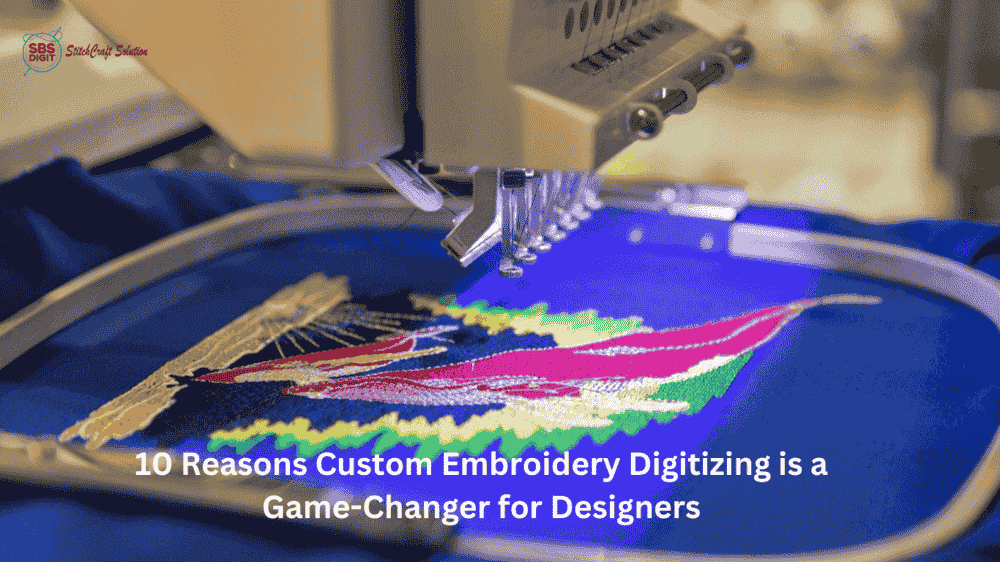
If you’ve ever tried getting a logo stitched into a patch, you’ve probably come across the idea of converting a PNG into a DST file. At first, it sounds easy just upload your design, convert it, and you’re done.
But once you actually try it, things don’t always go as planned.
A lot of people end up with patches that look… off. The edges aren’t clean, small details disappear, and the stitching just doesn’t match the original design. It can be frustrating, especially when everything looked perfect on your screen.
So what’s really going on here?
PNG vs DST — What’s the Real Difference?

Think of a PNG as a picture. It’s great for websites, social media, or anything you view on a screen.
But embroidery machines don’t “see” images like we do. They don’t understand pixels or shapes visually. They need instructions like a map telling the needle exactly where to go and how to stitch.
That’s what a DST file is.
So when you convert a PNG into DST, you’re not just switching formats. You’re turning a visual design into something a machine can physically stitch. And that step needs more care than most people expect.
Why Quick Online Converters Let You Down

You’ll find plenty of tools online that promise instant results. Upload your PNG, click convert, download your DST. Simple.
But here’s the catch those tools don’t really “understand” embroidery.
They don’t think about:
-
how stitches should flow
-
how fabric behaves
-
how fine details should be handled
So the result might technically be a DST file… but not a good one.
That’s why you start seeing issues like uneven stitching, broken lines, or designs that just don’t feel right.
Why This Hits Hard with Embroidered Patches

With embroidered patches, even small mistakes stand out.
A tiny detail in your logo might disappear. A smooth curve might turn jagged. And suddenly, something that looked premium ends up looking cheap.
That’s usually not because of your design it’s because of how it was prepared.
Where Digitizing Actually Matters

This is the part most people skip.
Converting a file is one thing. Digitizing is another.
Digitizing is where someone actually plans how your design will be stitched choosing stitch types, setting directions, adjusting spacing. It’s not automatic, and it’s definitely not something a basic converter can do well.
This is where the real quality comes from.
What Works Better

Instead of relying only on quick tools, a better approach is to combine conversion with proper digitizing.
When it’s done right, the difference is obvious:
-
lines look clean
-
stitches flow naturally
-
the design holds its shape
-
the patch looks professional
That’s usually what people were expecting from the start.
How SBS DIGIT Helps

This is where SBS DIGIT makes things easier.
Instead of just converting your file and sending it back, they actually take time to prepare it properly. Your design is cleaned up, digitized, and optimized so it works the way it should on an embroidery machine.
So you’re not just getting a file you’re getting something that’s ready to produce a clean result.
Try It Without Risk

If you’re not sure whether it’s worth switching from basic tools, there’s an easy way to find out.
SBS DIGIT offers a free first trial. You can send your design and see the difference for yourself.
No pressure just a chance to compare.
Final Thought
A lot of people think converting PNG to DST is a quick fix. But if you’ve tried it, you already know it’s not always that simple.
The real difference comes from how the file is handled before it ever reaches the machine.
Get that part right… and everything else starts falling into place.