When it comes to embroidery, file format plays a huge role in the final result. Many beginners try to convert PNG to DST file online using free tools, hoping for quick and easy results.
But is that really enough for professional embroidery?
Let’s break it down in a simple way so you can understand what works and what doesn’t.
What Does It Mean to Convert PNG to DST?
A PNG file is just an image made of pixels. It looks good on screen, but embroidery machines don’t understand images.
They understand stitch instructions.
A DST file, on the other hand, is a machine-readable format. It tells the embroidery machine:
-
Where to stitch
-
How to stitch
-
Which direction to follow
So when you convert PNG to DST, you are not just changing a file — you are translating an image into stitches.
Using Online Tools to Convert PNG to DST File
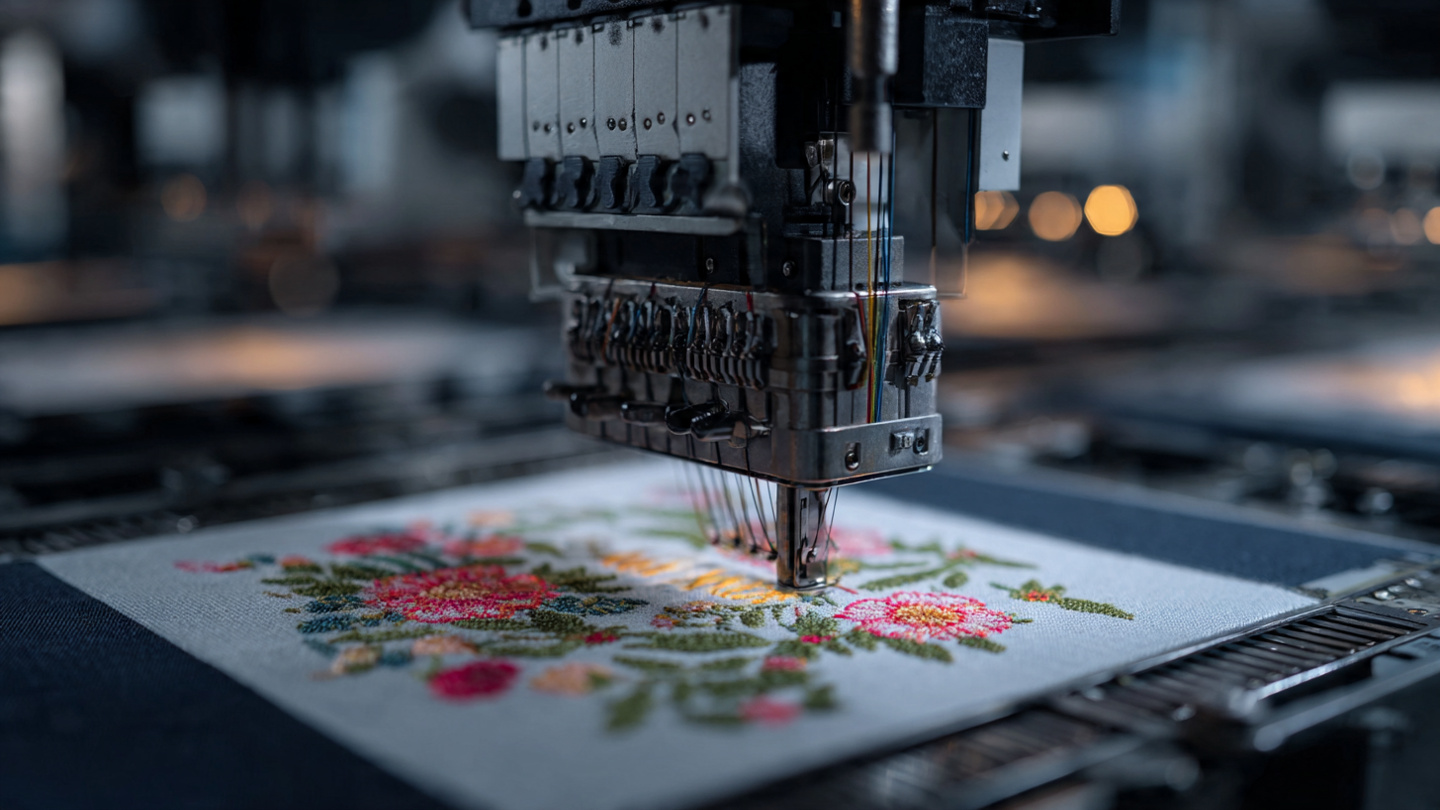
If you search online, you’ll find many tools that claim to convert PNG to DST file online for free.
These tools are popular because:
-
They are quick
-
Easy to use
-
No technical skills required
But here’s the reality.
The Problem with Free PNG to DST Converters
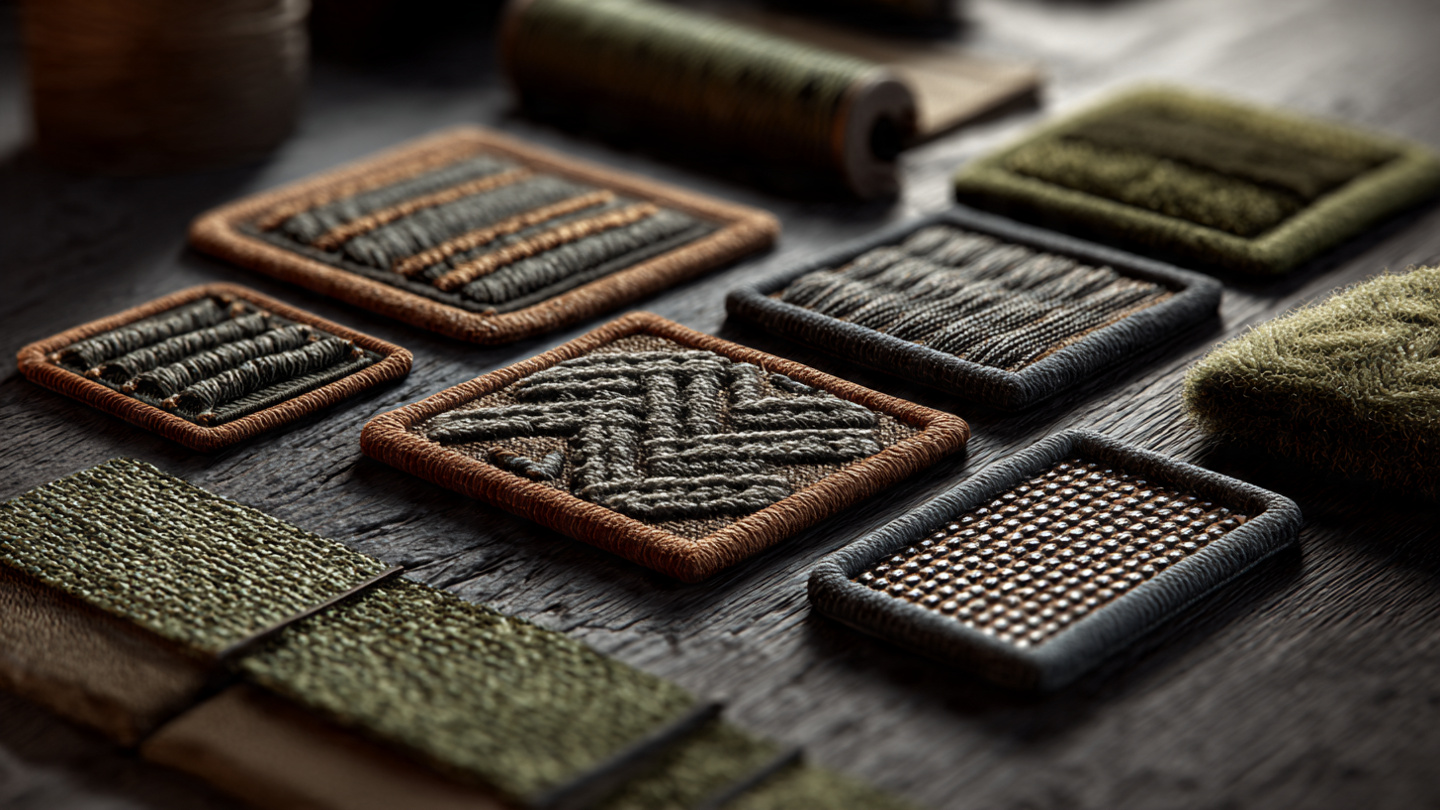
While free tools sound convenient, they come with serious limitations:
Poor stitch quality
Automatic conversion doesn’t understand fabric, thread, or stitch logic.
Loss of details
Small text and fine lines often disappear or get distorted.
No stitch direction control
Machines need proper pathing, which free tools don’t optimize.
Messy and uneven results
You may end up with broken stitches, gaps, or overlapping threads.
This is why your embroidered patches look unprofessional, even if your design looked perfect on screen.
Why PNG to DST Conversion Alone Is Not Enough
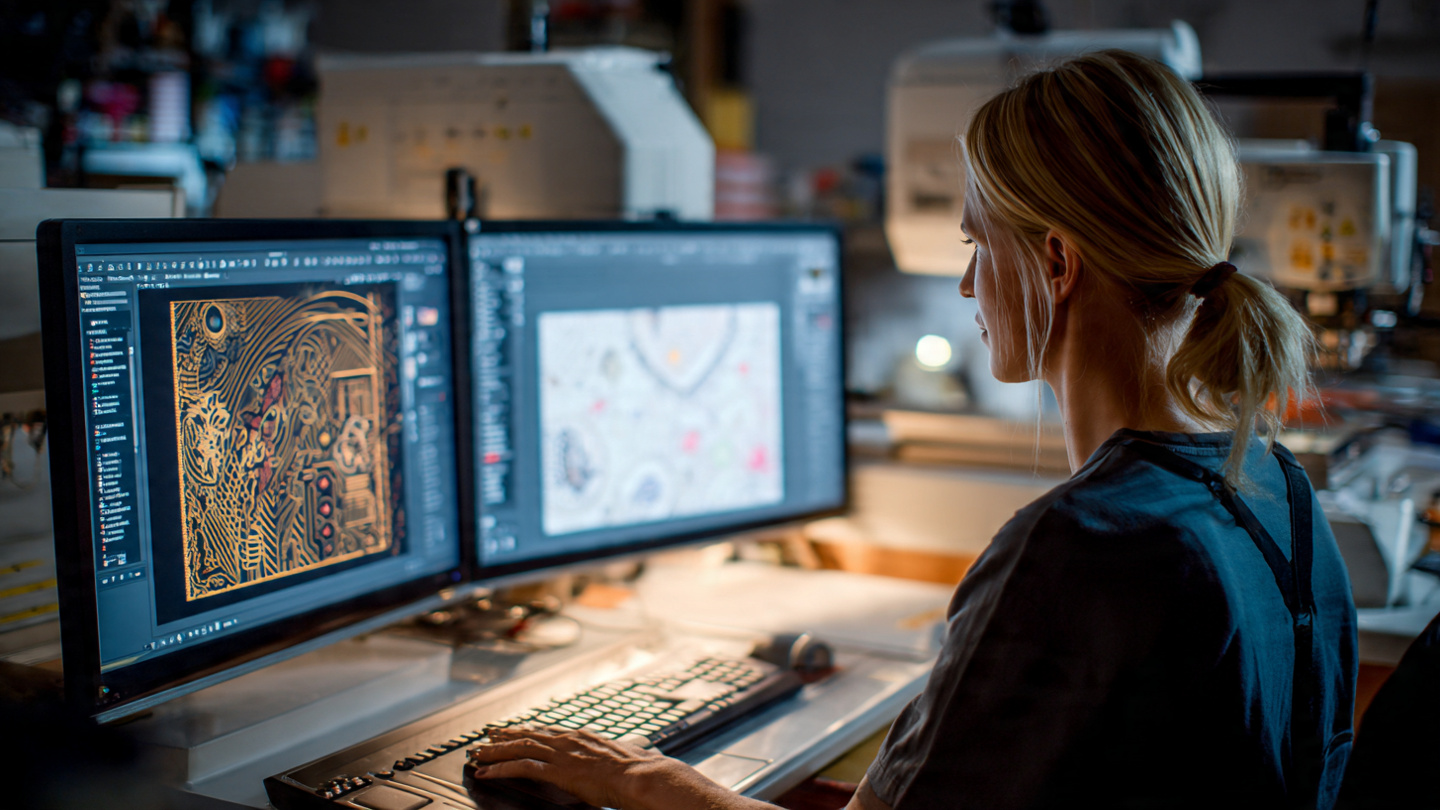
Here’s the truth most people don’t realize:
Converting a file is not digitizing.
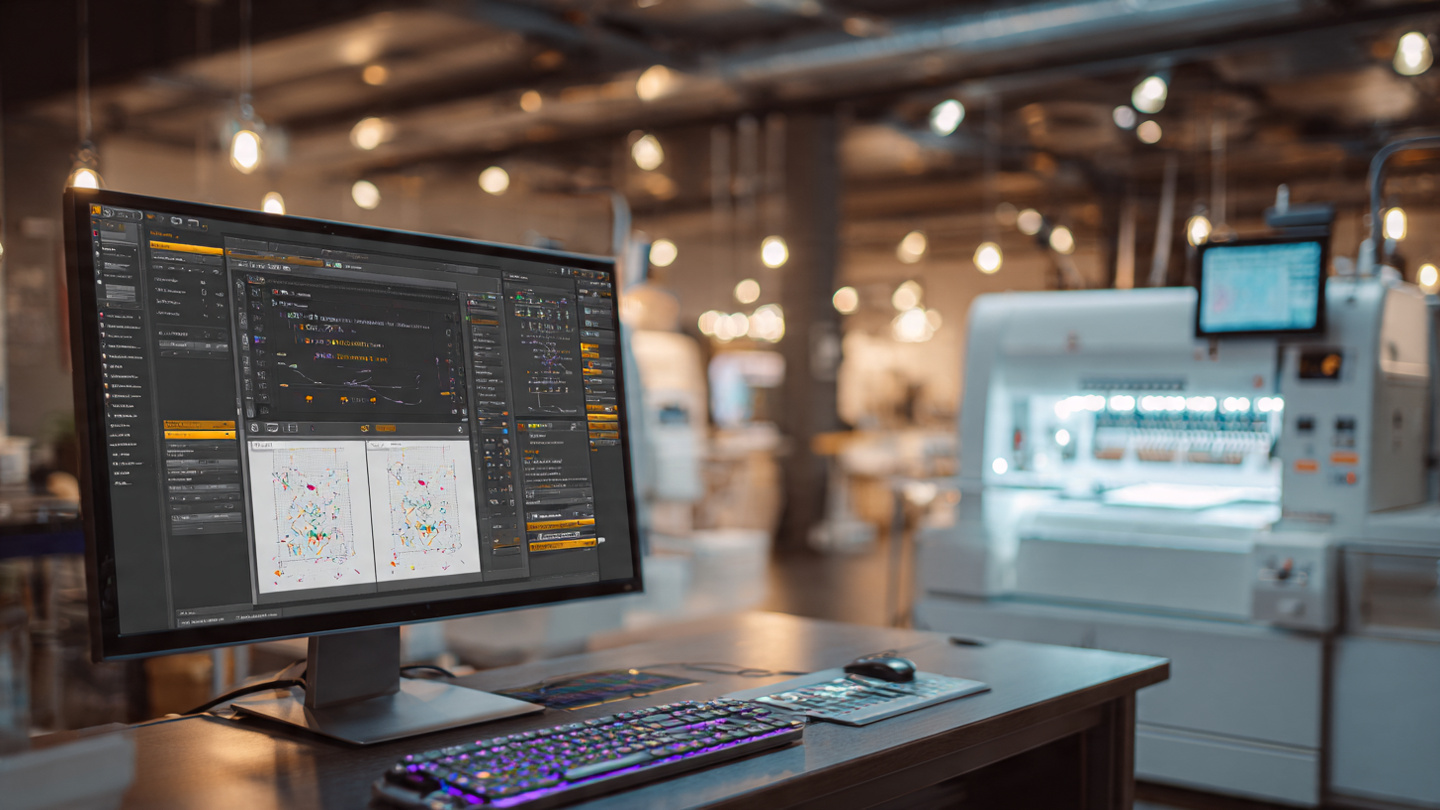
Digitizing is a manual, skilled process where a professional:
-
Plans stitch types
-
Adjusts density
-
Sets proper underlay
-
Optimizes the design for fabric
Without this step, even a converted DST file can fail badly.
Understanding Different Patch Types and Digitizing
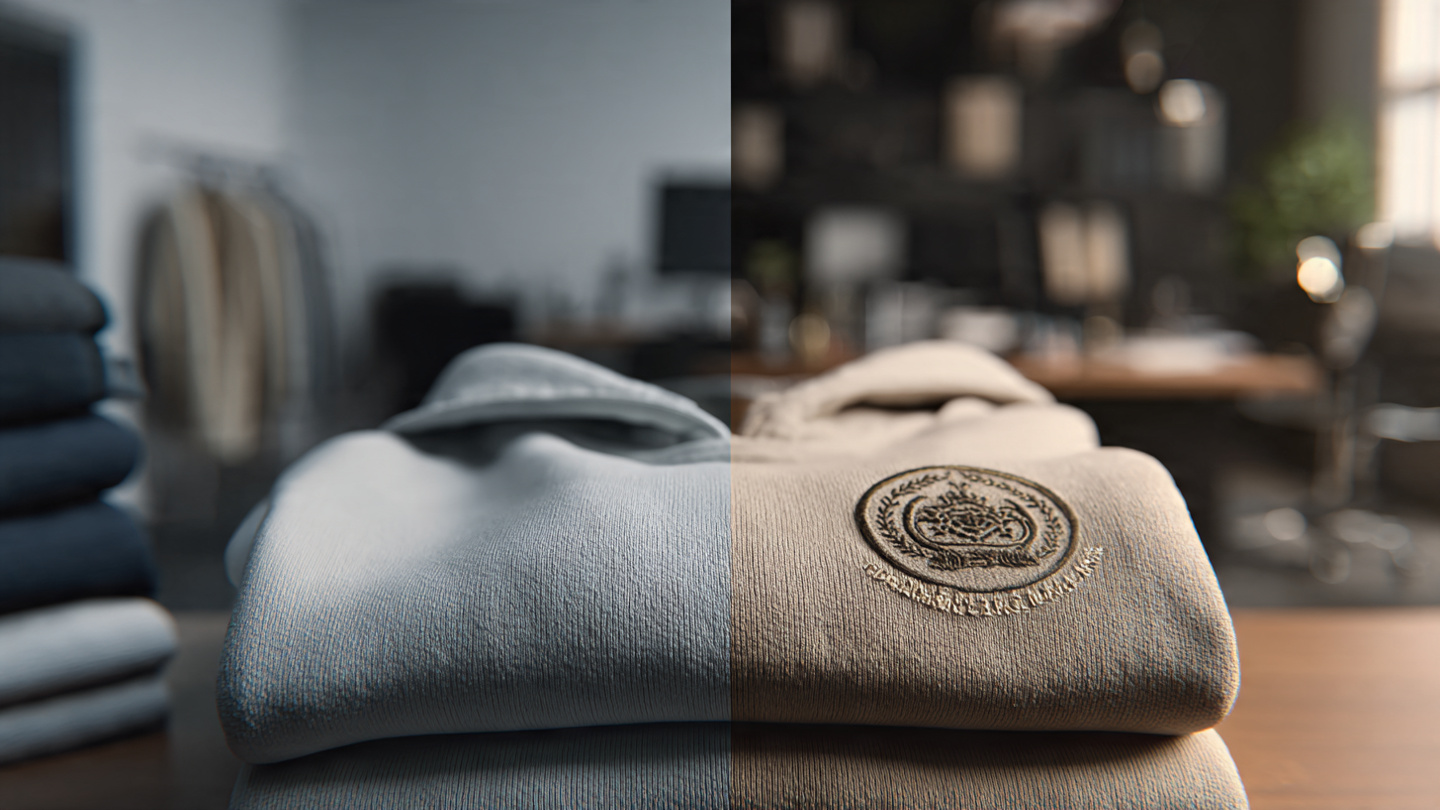
When working with embroidery, it’s also important to understand different patch styles and how digitizing affects each one.
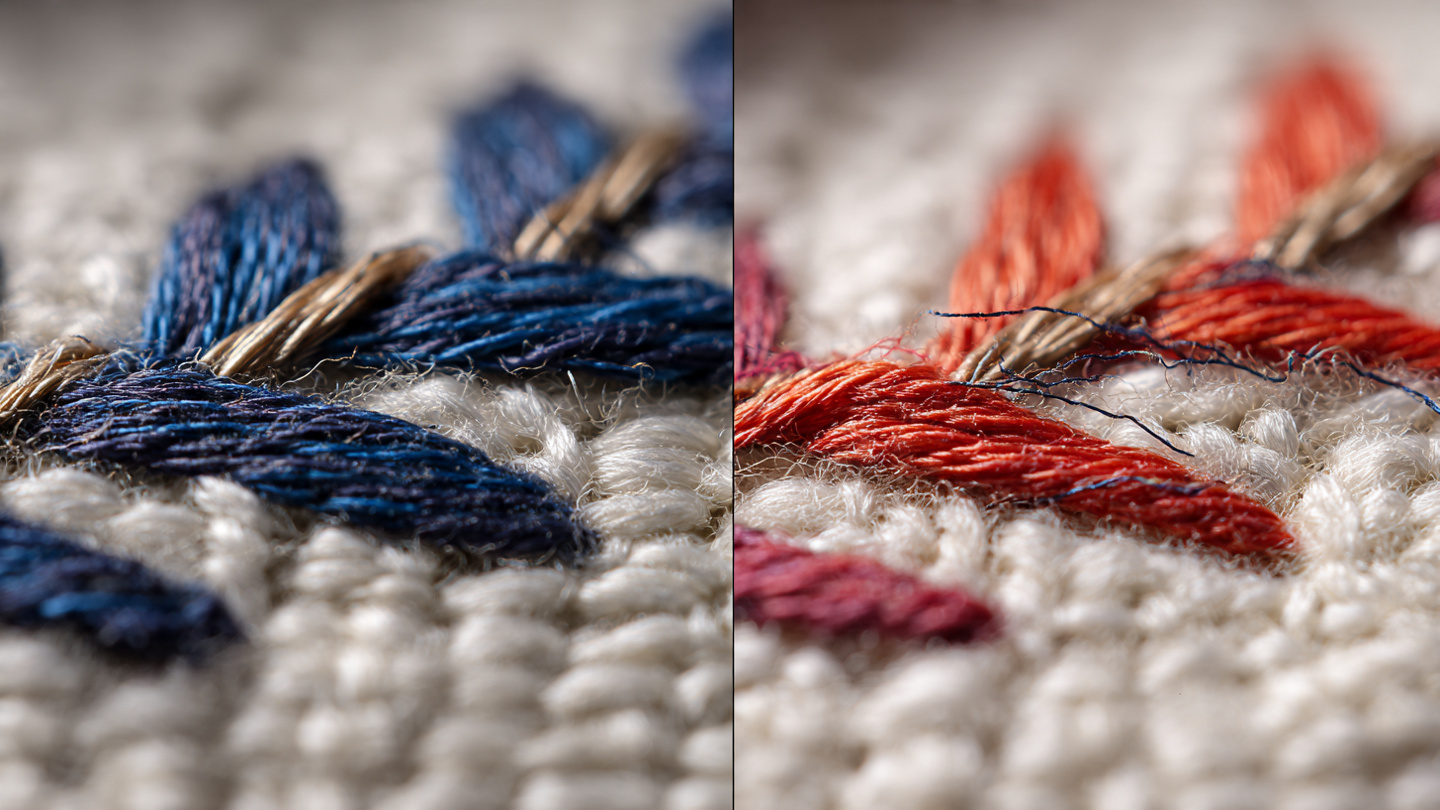
Chain stitch patches are known for their textured, looped stitching style. They give a classic, handcrafted look and are often used in vintage or streetwear designs. However, they require precise digitizing to maintain consistent loops and avoid uneven patterns.
Custom patches are widely used by brands, businesses, and uniforms. These include standard embroidered patches where clean edges and accurate stitch paths are essential. Poor digitizing can make even a simple logo look messy or distorted.
PVC patches are different from embroidered patches because they are made from soft rubber instead of thread. Even though they don’t use stitching, the design still needs to be clean and properly prepared. A well-structured file ensures sharp and professional results during production.
Digitizing is the foundation behind all of these. It is not just about converting PNG to DST, but about planning how a design will be produced.
Good digitizing ensures:
-
Smooth stitch flow
-
Proper density and spacing
-
Clean borders and edges
-
Strong and durable results on different materials
Without proper digitizing, every type of patch can lose quality.
Better Option: Professional Embroidery Digitizing
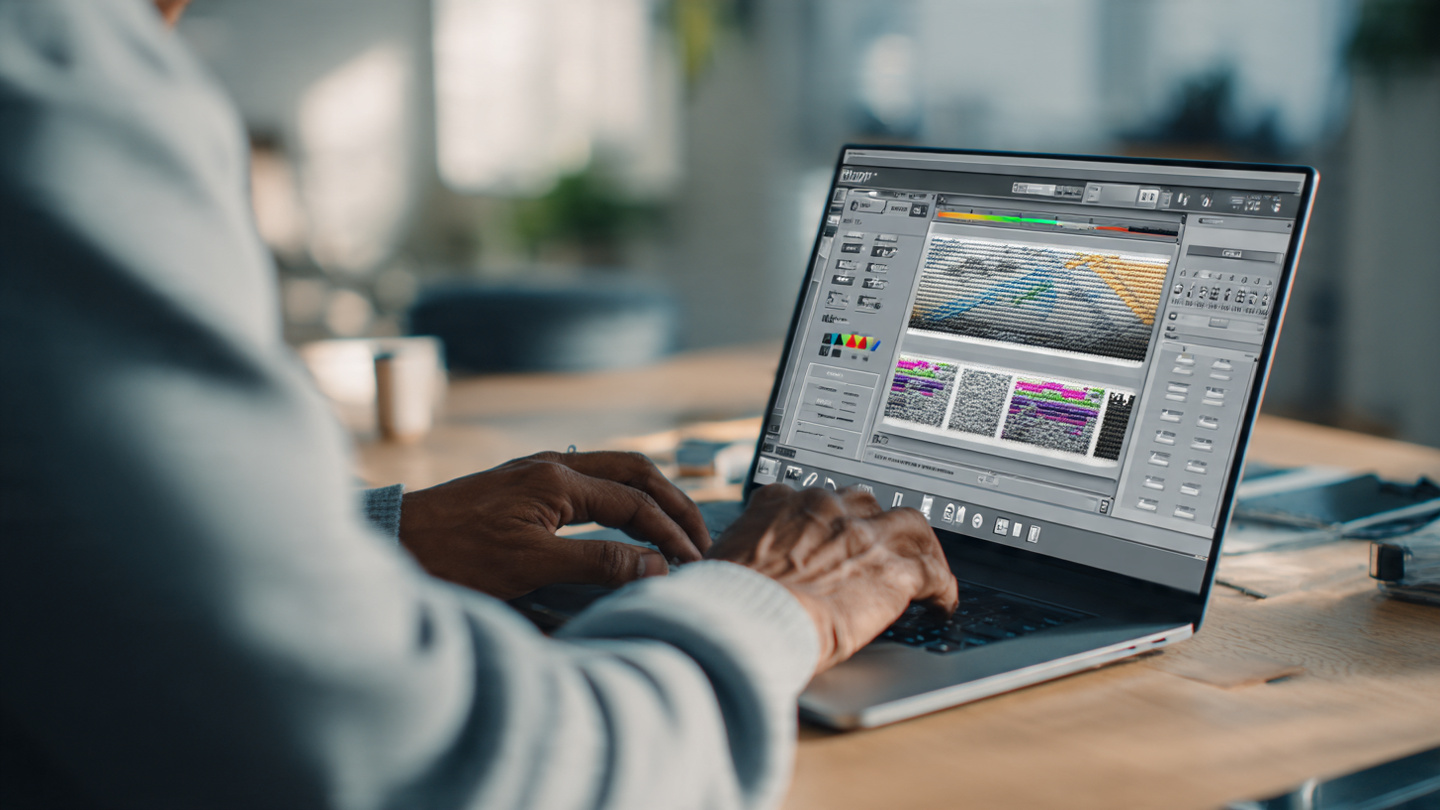
Instead of relying only on automatic tools, the better approach is to convert and digitize properly.
This ensures:
-
Clean edges
-
Smooth stitching
-
Accurate design reproduction
-
Professional-quality patches
How SBS DIGIT Solves This Problem
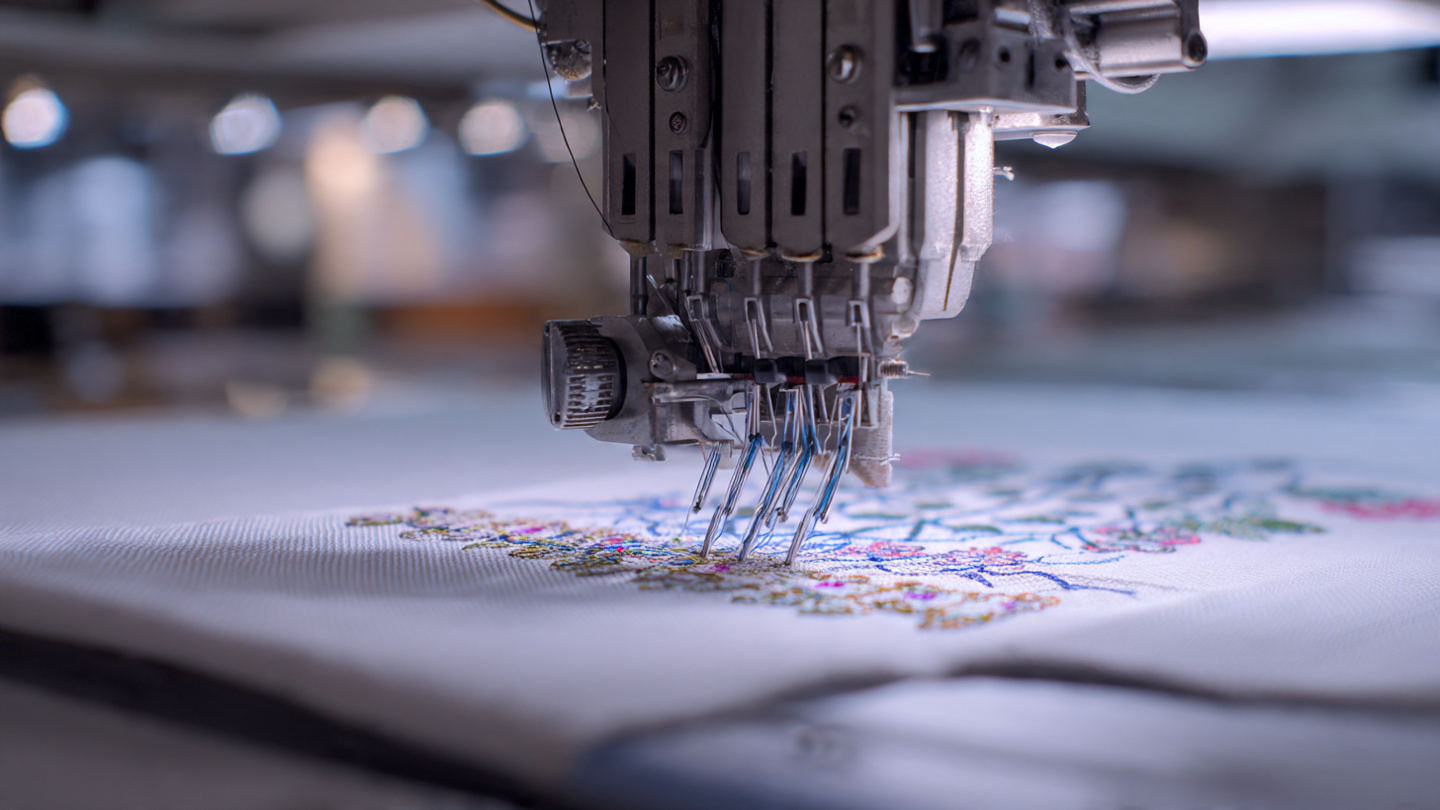
This is where SBS DIGIT makes a real difference.
Instead of just converting your file, SBS DIGIT provides a complete solution:
Smart file preparation
They properly prepare your PNG before converting it into DST.
Professional digitizing
Every design is manually optimized for embroidery machines.
Clean and sharp results
No gaps or rough edges, only high-quality stitching.
Fabric-based optimization
Designs are adjusted based on material type for the best output.
In simple words, they don’t just convert your file, they make sure your embroidery looks professional.
Free First Trial
If you are not sure about the quality, SBS DIGIT offers a free first trial.
You can submit your PNG design and see how it looks after proper conversion and digitizing. This allows you to test the results before making any commitment.
Conclusion
Using tools to convert PNG to DST file online might seem like an easy solution, but it often leads to poor embroidery results.
The real key to high-quality embroidery is not just conversion, but proper digitizing.
If you want clean, sharp, and professional designs, combining the right file format with expert digitizing is the best option.
With SBS DIGIT, you get both, and you can start with a free trial.