
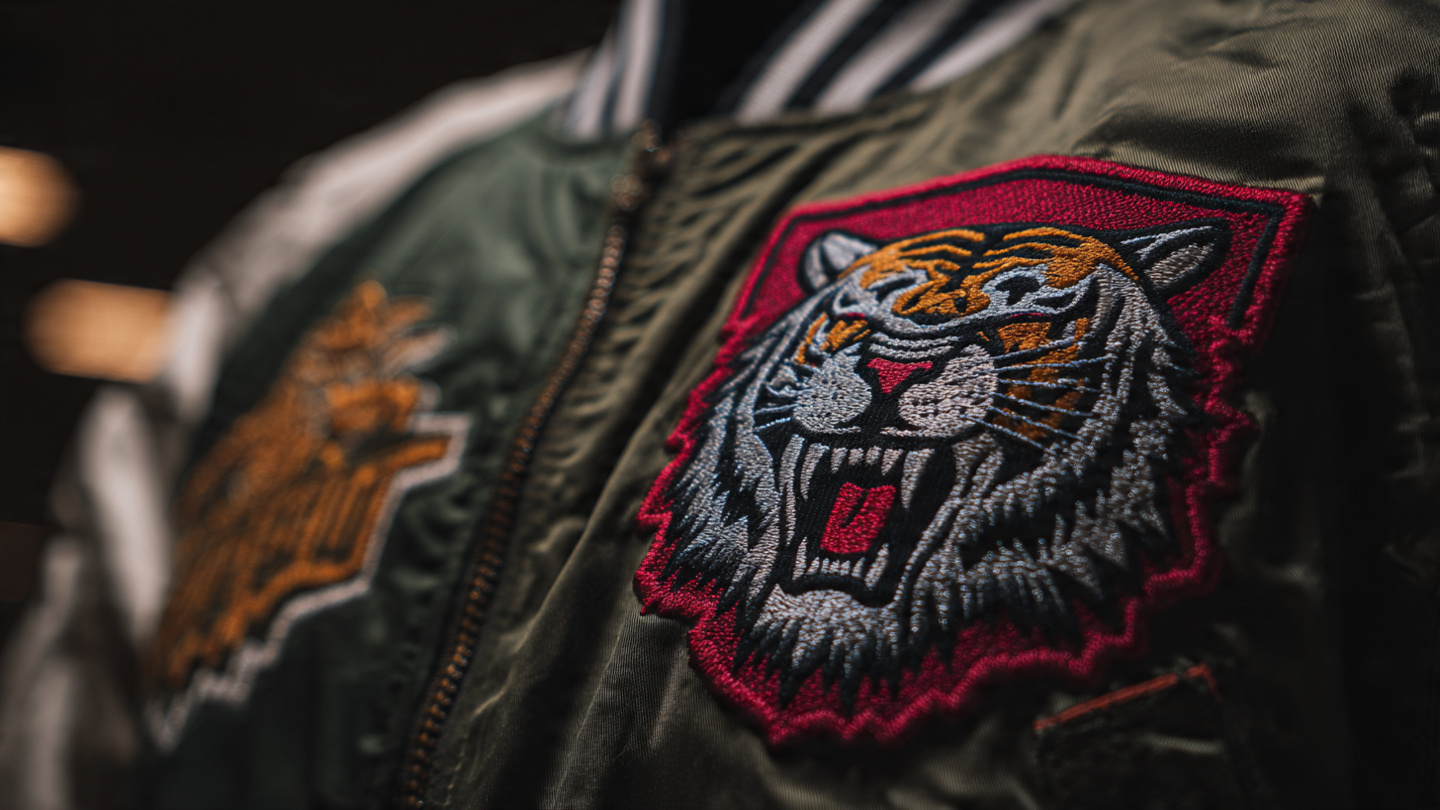
When people think about embroidery, they usually focus on colors, fabric, or machines. But the truth is the biggest factor behind good or bad results is something much simpler:
Your file format
If your design looks perfect on screen but disappointing on fabric, you’re not alone. This is one of the most common issues in the world of embroidered patches and custom designs.
The Real Problem Behind Poor Embroidery Quality

Let’s be honest most people start with a PNG file.
It’s easy, quick, and works great for digital use. But when it comes to embroidery, that’s where things start going wrong.
Here’s what usually happens:
-
Designs lose sharpness
-
Edges become rough
-
Small details disappear
-
Stitching looks uneven
Many people try using a PNG to EPS converter free, hoping it will fix everything.
But in reality, that’s only part of the solution.
PNG Files: Good for Screens, Bad for Stitching

PNG is a raster format, which means it’s made of pixels.
That’s why:
-
It can’t scale properly
-
It creates blurry edges
-
It doesn’t translate well into stitches
This directly affects the quality of your custom embroidered patches.
EPS Files: The Professional Standard

This is where things start to improve.
EPS is a vector format, meaning it uses clean lines and shapes instead of pixels.
When you turn PNG into EPS, you get:
-
Sharp and clean edges
-
Better design accuracy
-
Perfect scalability
-
A solid base for embroidery
That’s why EPS is considered the best format before digitizing.
But Is Using a PNG to EPS Converter Free Enough?
Short answer: Not always.
Free tools are helpful for quick conversions, but they often:
-
Miss small details
-
Create rough outlines
-
Produce low-quality vectors
And when you’re working on embroidered patches or custom PVC patches, even small flaws become very visible.
What About Custom PVC Patches?

Even though custom PVC patches are not stitched, file quality still matters.
Why?
Because:
-
The design is used to create molds
-
Edges must be clean and sharp
-
Every detail affects the final look
A poor-quality file will result in a patch that looks unprofessional — no matter the material.
The Missing Step: Digitizing

Here’s what most people don’t realize:
Even EPS is not the final step.
Before embroidery, your design must go through digitizing the process that converts your design into stitch instructions.
Without proper digitizing:
-
Stitch direction can be wrong
-
Thread density may be uneven
-
Final output won’t match your design
How SBS DIGIT Solves This Problem

This is where SBS DIGIT stands out.
Instead of just converting files, they follow a complete professional workflow:
-
Properly turn PNG into EPS with clean vector quality
-
Manually refine designs for accuracy
-
Apply expert digitizing for perfect stitch results
This ensures:
-
Clean edges and smooth stitching
-
High-quality custom embroidered patches
-
Accurate and detailed custom PVC patches
-
Consistent, professional results every time
With SBS DIGIT, you’re not just fixing your file —
you’re upgrading your entire embroidery process.
Best Workflow for Perfect Results

If you want your designs to look professional, follow this:
-
Start with your design (PNG or logo)
-
Turn PNG into EPS
-
Refine the vector
-
Apply digitizing
-
Produce final embroidery
This process works for:
-
Embroidered patches
-
Branding logos
-
Apparel designs
-
Custom PVC patches
Free First Trial
Still not sure how much difference this makes?
SBS DIGIT offers a free first trial, so you can test the quality before making any commitment. You can see how your design transforms from a simple PNG into a clean, professionally digitized file — whether it’s for embroidered patches or custom PVC patches.
Conclusion
So, what’s the best file format for embroidery?
-
PNG → good for viewing
-
EPS → best for preparation
-
Digitized file → essential for stitching
If you want clean, sharp, and professional results, don’t rely on shortcuts like a basic PNG to EPS converter free.

