
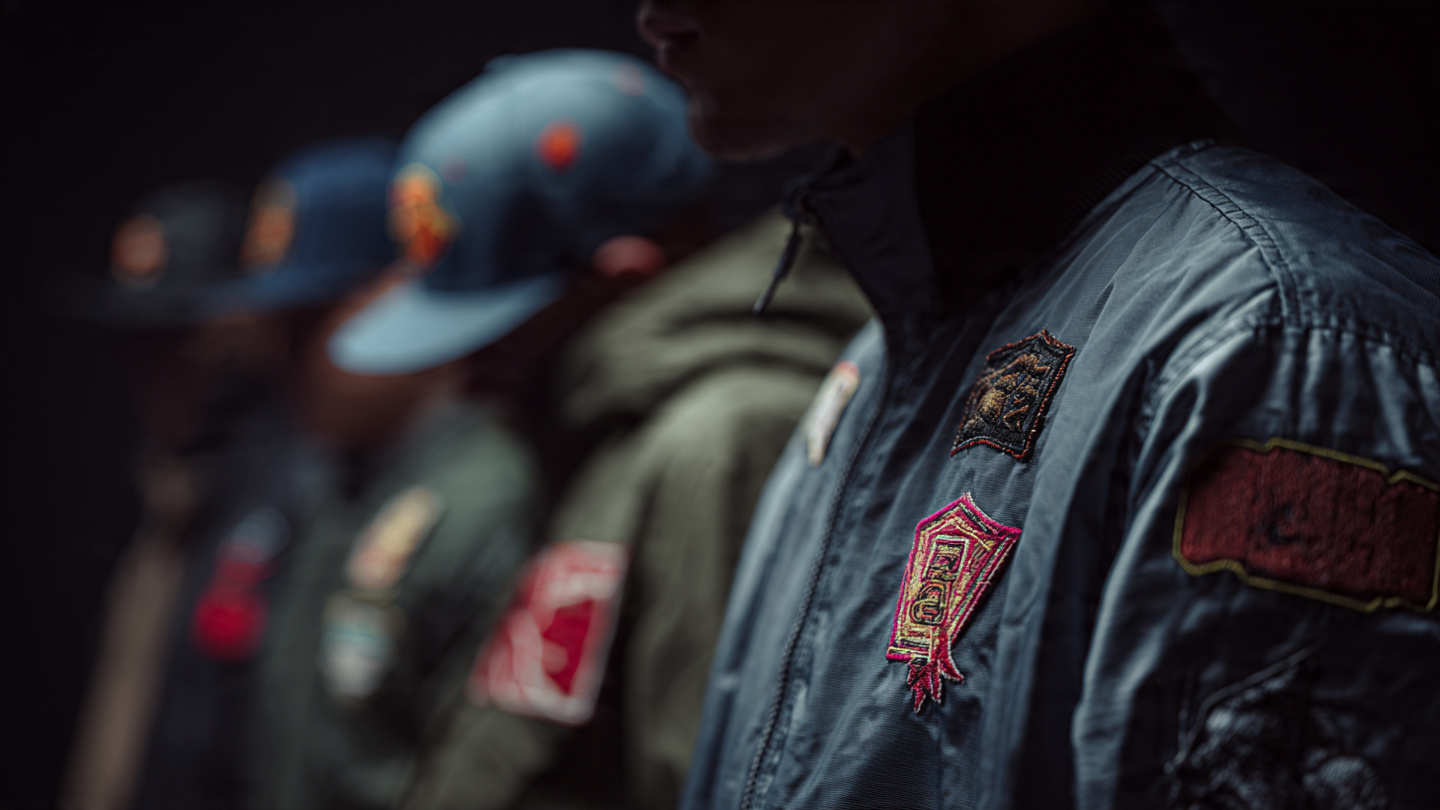
When it comes to embroidery, most people focus on machines, threads, or fabrics. But one of the most important factors is often ignored file format.
Whether you’re creating embroidered patches, working on logos, or even designing custom PVC patches, the file you start with can make or break your final result.
Let’s understand why file format matters and how it directly affects embroidery quality.
Why File Format Is Important in Embroidery

Embroidery machines don’t read images the way we see them. They need clean, structured data to convert designs into stitches.
If your file format is not suitable:
-
Designs may look blurry
-
Edges can become uneven
-
Details may disappear
-
Stitching may not follow the correct path
This is why choosing the right file format is the first step toward high-quality embroidery.
PNG Files vs Vector Files (EPS)

Most beginners use PNG files because they are easy to find and share. But PNG is a raster format, which means it is made of pixels.
Problems with PNG:
-
Loses quality when resized
-
Not suitable for precise stitching
-
Creates rough edges in embroidery
That’s why professionals always recommend to turn PNG into EPS before moving forward.
Why You Should Turn PNG into EPS

EPS is a vector file format, which uses paths instead of pixels.
When you turn PNG into EPS, you get:
-
Clean and sharp edges
-
Better design accuracy
-
Easy resizing without quality loss
-
Perfect base for digitizing
This step is especially important for embroidered patches, where clarity and precision are key.
Using a PNG to EPS Converter Free

Many people search for a PNG to EPS converter free to quickly convert their files.
These tools are:
-
Fast
-
Easy to use
-
Good for basic designs
However, they are not always reliable for professional embroidery.
Limitations of Free Conversion Tools

Even after using a PNG to EPS converter free, you may still face issues like:
-
Rough outlines
-
Missing details
-
Poor vector quality
This becomes more noticeable in detailed designs like logos and embroidered patches.
What About Custom PVC Patches?

Unlike embroidered patches, custom PVC patches are made using molded rubber material instead of thread.
But file format still matters.
For PVC patches:
-
Clean vector files are required
-
Sharp edges define the mold quality
-
Colors and shapes must be precise
If your design starts as a low-quality PNG, even PVC patches can lose detail. That’s why converting to EPS is equally important here.
The Role of Digitizing in Embroidery

File format alone is not enough. After you turn PNG into EPS, the design must go through digitizing.
Digitizing converts your design into stitch instructions.
This ensures:
-
Proper stitch direction
-
Balanced stitch density
-
Smooth and clean embroidery
Without digitizing, even a perfect EPS file won’t produce good results.
Best Workflow for High-Quality Results

To achieve professional embroidery quality, follow this process:
-
Start with your design (PNG or logo)
-
Turn PNG into EPS
-
Refine the vector file
-
Apply professional digitizing
-
Produce final embroidery or patches
This workflow works perfectly for:
-
Embroidered patches
-
Logo embroidery
-
Apparel branding
- Custom PVC patches
Free First Trial

If you want to see the difference for yourself, SBS DIGIT offers a free first trial. This allows you to test how your design looks after properly converting and digitizing it—before making any commitment. Whether you’re working on embroidered patches or custom PVC patches, you can experience the quality improvement firsthand without any risk.
Common Mistakes to Avoid
-
Using PNG directly for embroidery
-
Relying only on PNG to EPS converter free tools
-
Skipping the digitizing process
-
Ignoring file quality
Avoiding these mistakes can instantly improve your embroidery results.
Conclusion
File format plays a major role in embroidery quality. Starting with the wrong format can lead to poor stitching, rough edges, and unprofessional results.
To get the best outcome:
-
Always turn PNG into EPS
-
Don’t rely only on a PNG to EPS converter free
-
Use proper digitizing for embroidery
Whether you’re creating embroidered patches or custom PVC patches, the right file format ensures clean, sharp, and high-quality designs.

