
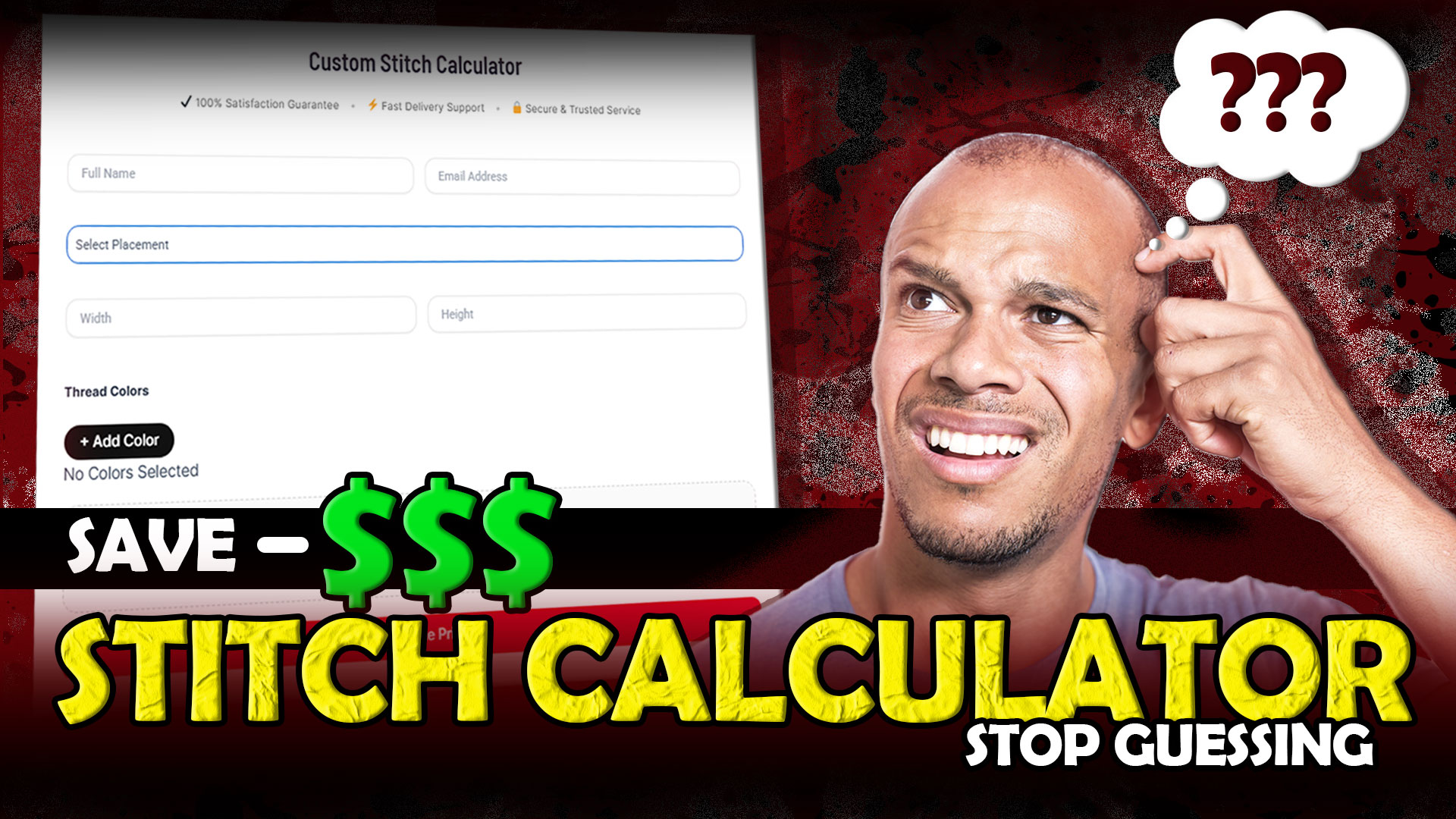
In embroidery, most people lose money not because of bad designs but because of bad estimates. They guess stitch count, guess pricing, and guess production time.
That’s exactly why tools like the SBS Digit Custom Stitch Calculator exist. Instead of guessing, you can now calculate everything based on real inputs like size, placement, and colors.
If you’re working with applique logo, 3D puff embroidery hats, this tool can completely change how you price and plan your work.
Let’s break it down step by step.
Why Guessing Embroidery Cost Is a Big Mistake
Without proper calculation:
-
you undercharge clients
-
you waste thread and material
-
production takes longer than expected
This is common in:
-
applique embroidery
-
3D puff embroidery
-
detailed logo work
That’s where your stitch calculator becomes powerful.
How to Use the SBS Digit Stitch Calculator (Step by Step)
Your calculator is simple but very effective. Here’s how to use each field correctly:
1. Enter Your Basic Details
-
Full Name
-
Email Address
This helps you receive your estimate and keep track of orders.
2. Select Placement
Choose where the design will be stitched:
-
Left Chest
-
Full Back
-
Sleeve
-
Cap Front
- Cap Side
Placement matters because stitch style changes for things like puff hat embroidery or flat embroidery.
3. Add Design Size (Width & Height)
This is one of the most important steps.
-
enter width
-
enter height
Bigger size = more stitches = higher cost
This is critical for:
-
3D puff embroidery hats
-
embroidery applique designs
4. Select Thread Colors
Click “+ Add Color” and choose how many colors your design has.
More colors =
-
more thread changes
-
more machine time
-
higher cost
Especially important for:
-
custom applique embroidery
-
multi-color logos
5. Upload Your Design File
Upload your artwork:
-
PNG
-
JPG
Make sure your design is clean and clear for better estimation.
This step is important for:
-
applique digitizing
-
3D embroidery digitizing
6. Click “Calculate Pricing”
Once everything is filled:
Click the red “Calculate Pricing” button
You’ll instantly get:
-
estimated stitch count
-
pricing idea
-
production insight
Where This Calculator Helps the Most
This tool is especially useful for:
Applique Embroidery
Layered designs like applique logo require accurate stitch planning.
3D Puff Embroidery
For 3D puff embroidery and caps, stitch density directly affects cost.
Patches and Detailed Designs
For:
-
sequin patches
-
chain stitch patches
you need precise estimation to avoid losses.
Why Professionals Always Use a Stitch Calculator
Professionals don’t guess they calculate.
Because they know:
-
accurate estimate = better profit
-
better planning = faster delivery
-
clear pricing = happy clients
That’s why tools like the SBS Digit calculator are essential for serious embroidery businesses.
If you’re serious about growing your embroidery business, this is exactly where most professionals shift from guessing to calculating so they can increase profit and avoid costly mistakes
Common Mistakes to Avoid
Avoid these:
-
skipping size input
-
ignoring thread colors
-
uploading low-quality artwork
-
guessing instead of calculating
These mistakes lead to wrong pricing.
Final Thoughts
A stitch calculator is not just a tool it’s a business advantage.
If you want:
-
accurate pricing
-
better planning
-
higher profit
You need to stop guessing and start calculating.
Try the SBS Digit Custom Stitch Calculator now
Get instant estimates and take control of your embroidery pricing today.

