
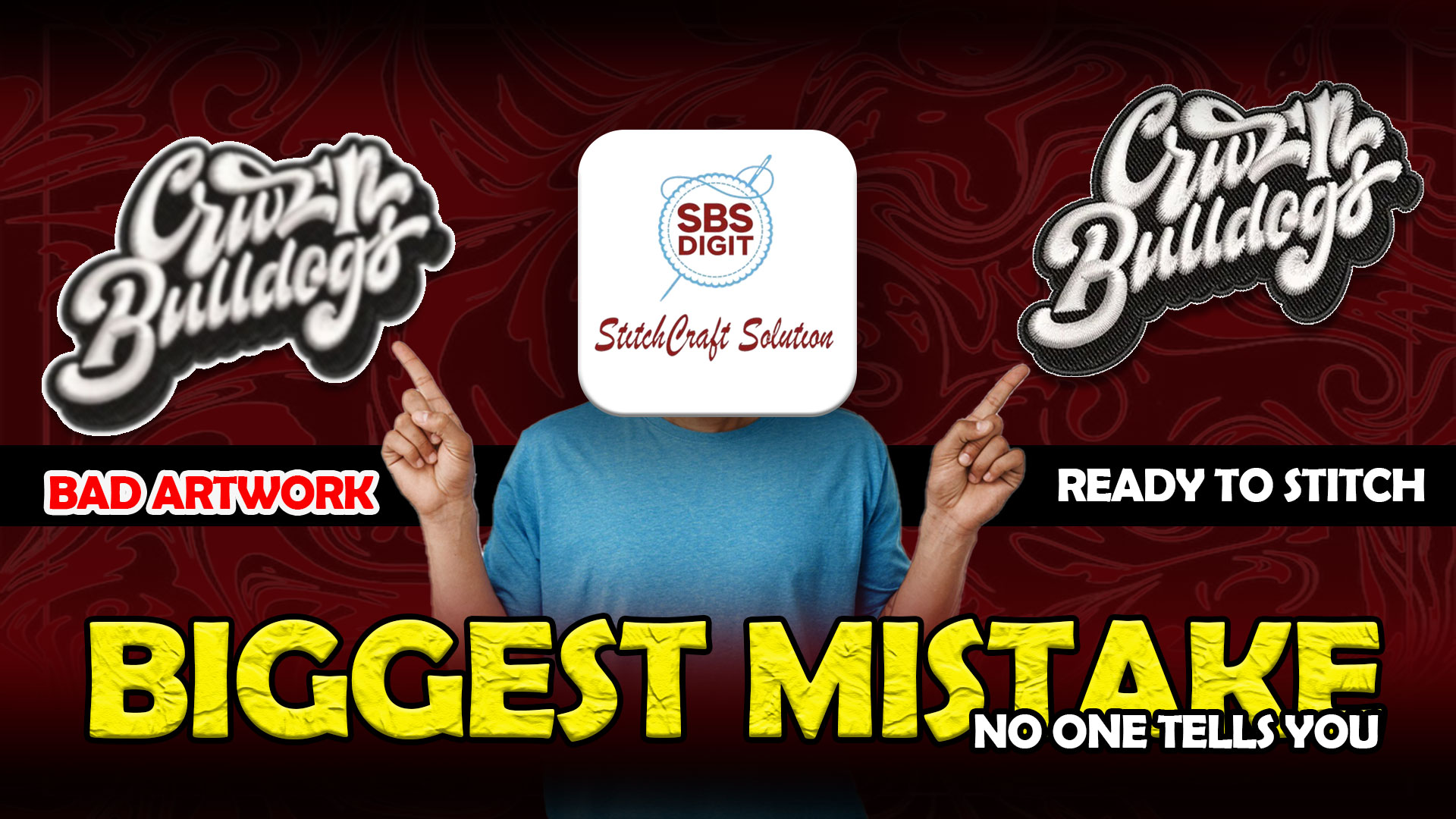
If you’re new to embroidery, one of the biggest mistakes is thinking any image can be directly stitched. In reality, preparing your artwork properly is what decides whether your final result looks professional or completely off.
That’s why experienced services like SBS Digit focus not just on digitizing, but on preparing artwork the right way before converting it into stitches. This is especially important for designs like applique logo, and 3D puff embroidery hats.
Let’s break it down in a simple way.
Why Artwork Preparation Matters
Before digitizing even starts, your artwork needs to be clean and optimized.
If not, you’ll face issues like:
-
rough edges
-
lost details
-
uneven stitching
-
poor results in applique embroidery
👉 Remember: bad input always leads to bad output.
Best File Formats for Embroidery
Not all file formats are equal.
Here’s what works best:
-
SVG / AI (Vector files) → Best for clean scaling
-
PNG (High resolution) → Works if prepared properly
-
JPG → Not recommended for detailed designs
Vector files are ideal because they keep shapes clear, which is important for applique digitizing and embroidery applique work.
Keep Your Design Simple
One of the biggest beginner mistakes is using overly detailed designs.
Embroidery machines have limits.
So:
-
avoid tiny text
-
reduce small elements
-
simplify shapes
This is critical for:
-
logo applique
-
custom applique embroidery
-
3D embroidery digitizing
Simple designs always stitch better.
Use Solid Colors Instead of Gradients
Embroidery doesn’t support gradients like digital screens.
Instead:
-
convert gradients into solid color sections
-
reduce color variations
This helps improve:
-
stitch clarity
-
production speed
-
final look
Especially for 3D puff embroidery and bold logos.
Set Proper Size and Dimensions
Always decide your final size before digitizing.
Because:
-
resizing after digitizing can break stitch quality
-
small designs lose detail
-
large designs need proper density
This is important for:
-
3D puff embroidery hats
-
jackets
-
patches
Prepare Layers for Applique Designs
If you’re working with applique embroidery, layering is key.
Your artwork should clearly show:
-
placement areas
-
fabric sections
-
stitching borders
Without this, your applique embroidery designs will look messy.
Avoid Thin Lines and Small Text
Thin lines don’t stitch well.
Small text becomes unreadable.
Instead:
-
use thicker strokes
-
increase spacing
-
simplify fonts
This is especially important for:
-
embroidery with applique
-
logos
-
patch designs
What About Special Styles Like 3D and Patches
For advanced styles like:
-
3D puff embroidery
-
puff hat embroidery
-
sequin patches
-
chain stitch patches
Your artwork must be even cleaner.
Because these styles depend on:
-
depth
-
texture
-
stitch control
Poor artwork = poor results.
Common Beginner Mistakes
Avoid these:
-
uploading low-quality images
-
using too many colors
-
ignoring size before digitizing
-
relying only on auto conversion
These mistakes ruin even good designs.
Simple Checklist Before You Send Your Design
Before sending your artwork for digitizing:
Use high-quality file (SVG or PNG)
Simplify the design
remove unnecessary details
define clear shapes
set final size
prepare layers for applique embroidery
Why Professionals Do It Differently
Beginners often focus on how the design looks.
Professionals focus on how it stitches.
That’s the difference.
SBS Digit ensures:
-
proper artwork preparation
-
clean stitch conversion
-
optimized results for applique logo and 3D puff embroidery hats
If you’re serious about quality this is where most professionals eventually land after trying other options so why not see the difference for yourself Try a free first trial and experience the quality firsthand
Final Thoughts
Artwork preparation is the first and most important step in embroidery digitizing.
If you skip it, even the best digitizing won’t fix your design.
But if you do it right, your embroidery will look clean, sharp, and professional every time.
Call to Action
Get your design digitized with a free first trial
One good sample is enough to see the real difference.

