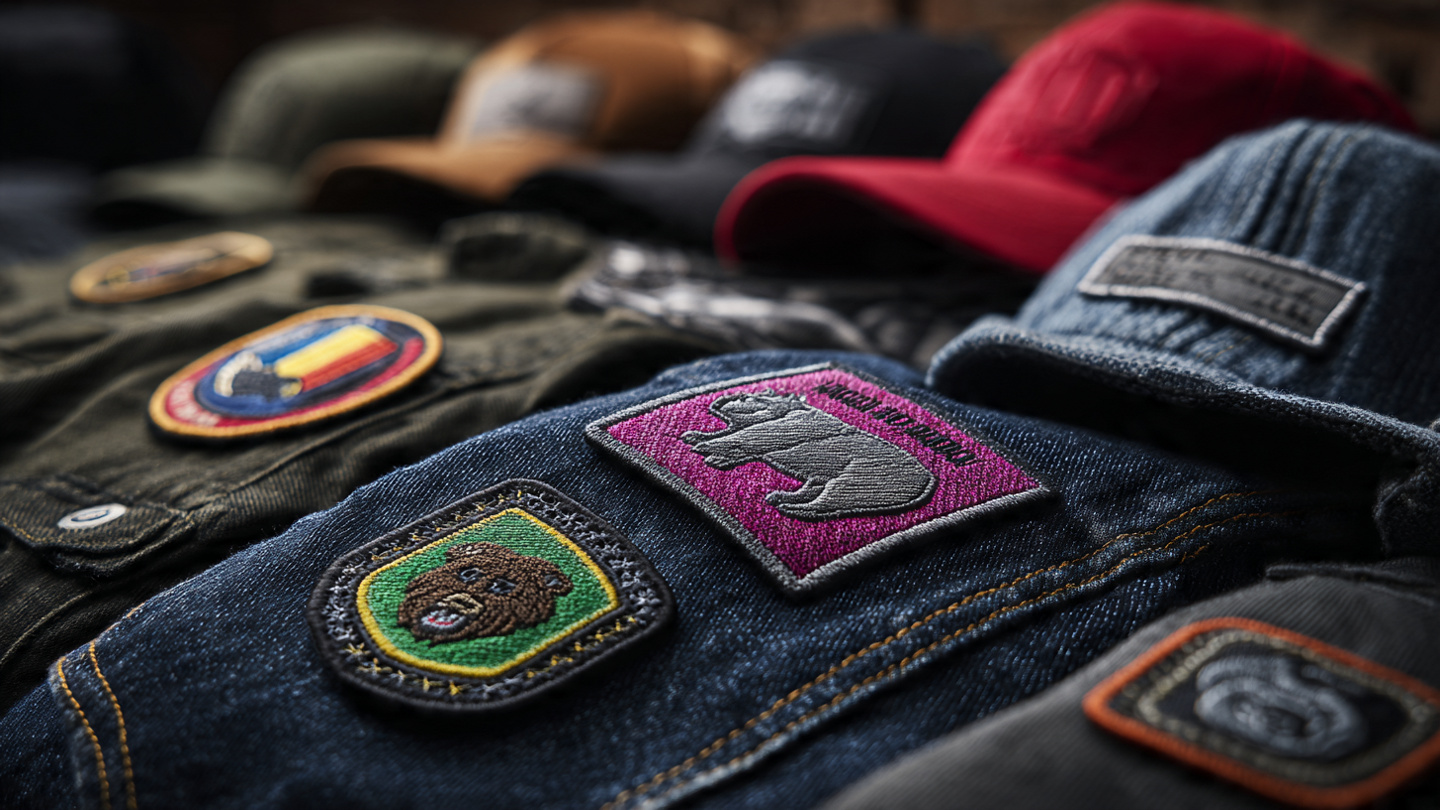
Custom embroidered patches are an effective way to display your brand, logo, or design on clothing, uniforms, and accessories. Whether you’re making standard patches, appliqué logos, or textured designs, the quality of your file significantly affects the final result.
Many people try to use PNG files directly, but for professional embroidery, you need to turn PNG into EPS before moving to digitizing.
Why PNG Files Don’t Work Well for Embroidery

PNG files are pixel-based. This means they consist of tiny squares. This causes issues when turning designs into stitches.
When using PNG:
- Edges look blurry
- Details get lost
- Shapes become uneven
This affects all types of embroidery — especially appliqué logos, where clean edges are extremely important.
What Happens When You Turn PNG into EPS
When you turn PNG into EPS, your design becomes vector-based. This means it is built with lines and shapes instead of pixels.
This is essential for:
- Custom embroidered patches
- Appliqué embroidery designs
- Logo embroidery on garments
With EPS, you get:
- Sharp and clean edges
- Perfect scaling without quality loss
- Better accuracy for stitching
Using a PNG to EPS Converter Free
Many people search for a PNG to EPS converter free to quickly convert their files.
These tools are helpful for:
- Quick conversions
- Simple designs
- Basic vector needs
But they have limitations.
Why Free Converters Are Not Enough
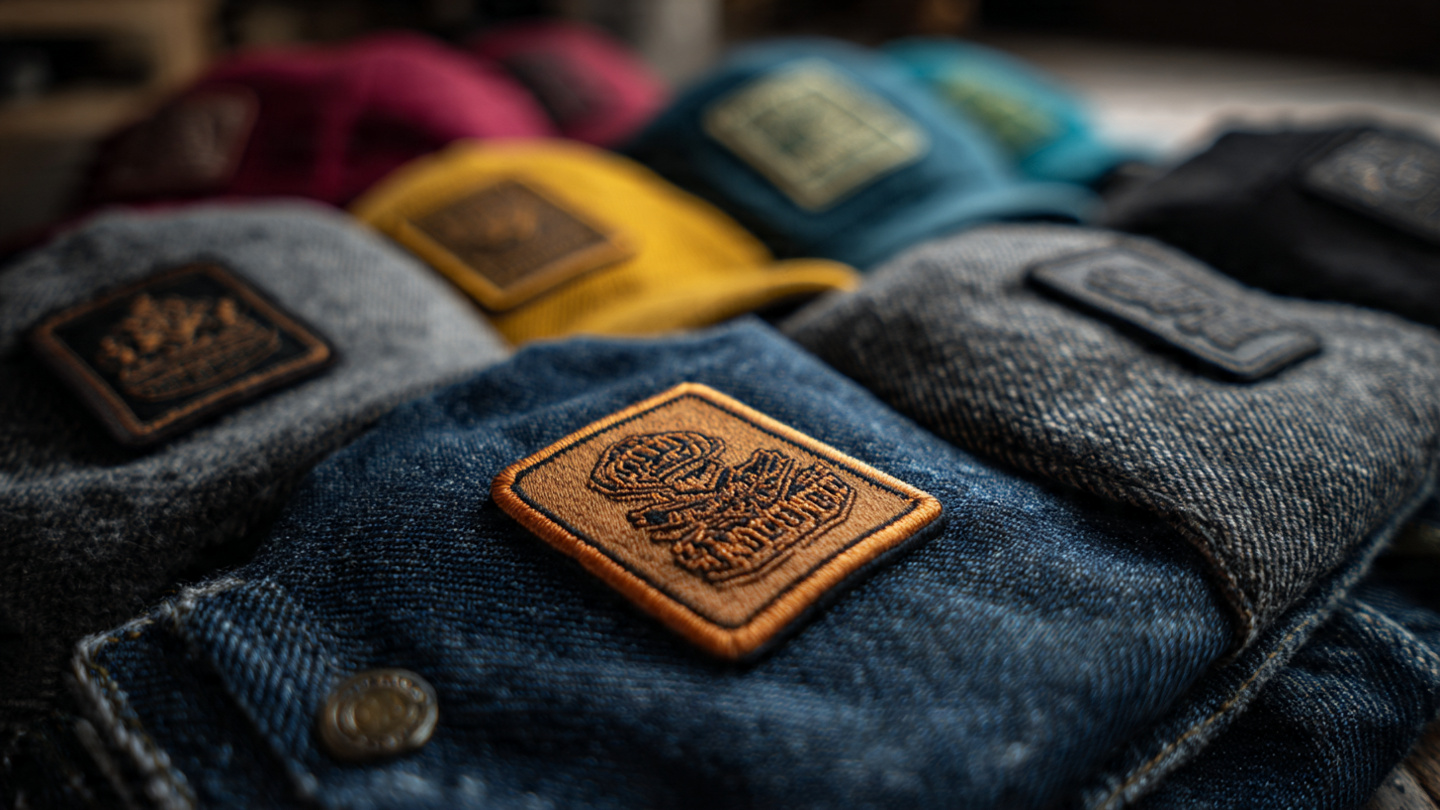
Even after using a PNG to EPS converter free, you may still face issues like:
- Rough outlines
- Broken shapes
- Missing small details
For embroidery styles like appliqué logos, patch borders, and fine text designs, these small mistakes become very visible.
Why Digitizing Is the Most Important Step
Turning PNG into EPS is only the beginning.
For embroidery, your design must be converted into a stitch file using digitizing.
This is especially important for:
- Appliqué logos (requires precise placement and cutting lines)
- Custom embroidered patches (needs clean borders and density control)
- 3D puff embroidery (requires proper stitch planning)
Professional digitizing ensures:
- Balanced stitch density
- Smooth stitch direction
- Clean borders and edges
- Strong and durable stitching
For best results, businesses rely on custom embroidery digitizing services.
Best Workflow for Perfect Embroidery
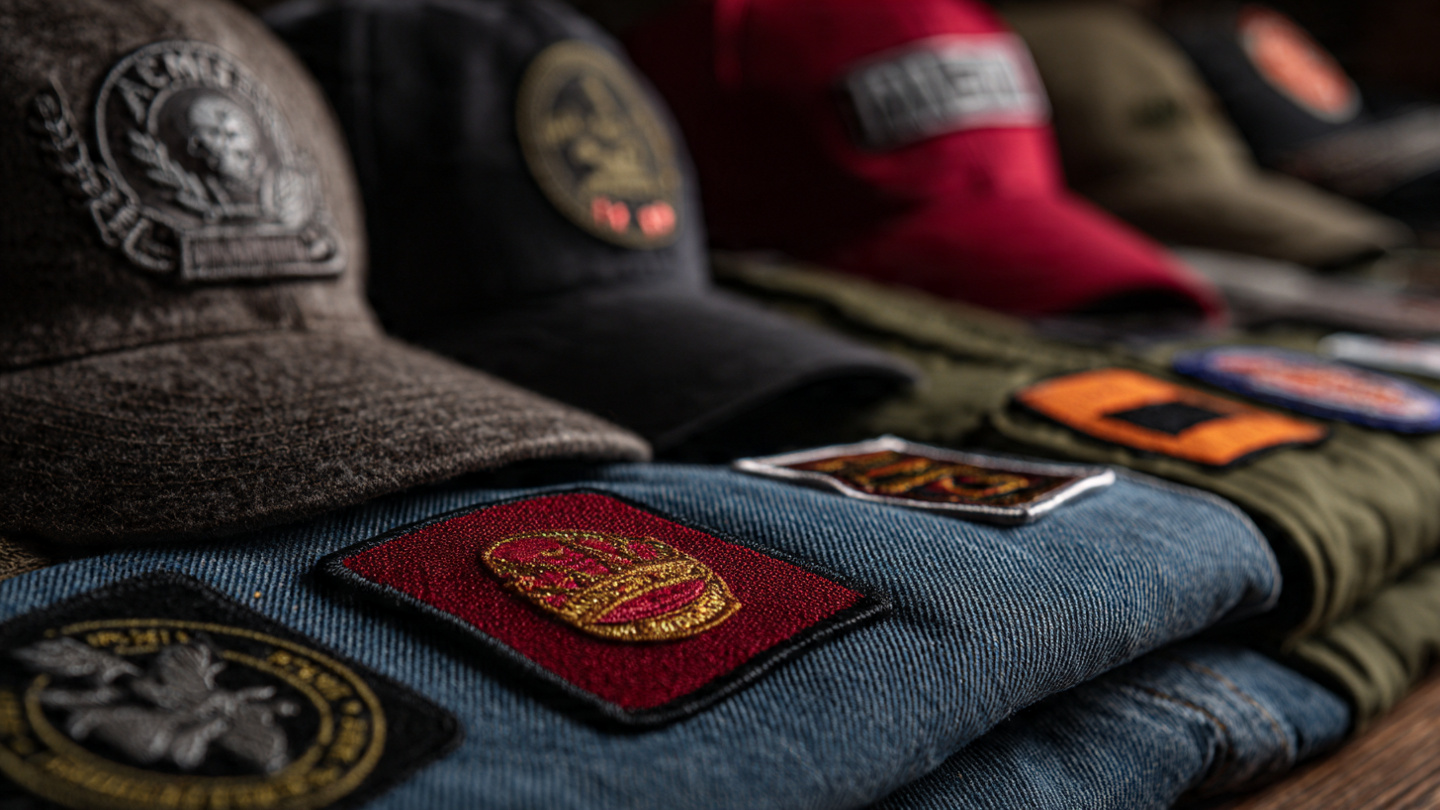
To achieve high-quality results, follow this process:
- Turn PNG into EPS
- Clean and refine the vector file
- Apply professional embroidery digitizing
This workflow works perfectly for:
- Patches
- Appliqué designs
- Logo embroidery
- Custom branding projects
How SBS DIGIT Helps You
SBS DIGIT provides complete embroidery solutions, not just file conversion.
They specialize in:
- Clean vector conversion (PNG to EPS)
- High-quality digitizing
- chain stitch patches
- Appliqué and custom logo embroidery
Their team ensures every design stitches smoothly and looks professional on any fabric.
Conclusion
If you want high-quality custom embroidered patches or appliqué logos, using PNG files alone is not enough.
You need to turn PNG into EPS and then apply proper digitizing to get clean, sharp, and professional embroidery.
While a PNG to EPS converter free can help with basic conversion, real results come from expert work.
Because in embroidery — especially for appliqué and detailed logos — precision makes all the difference.