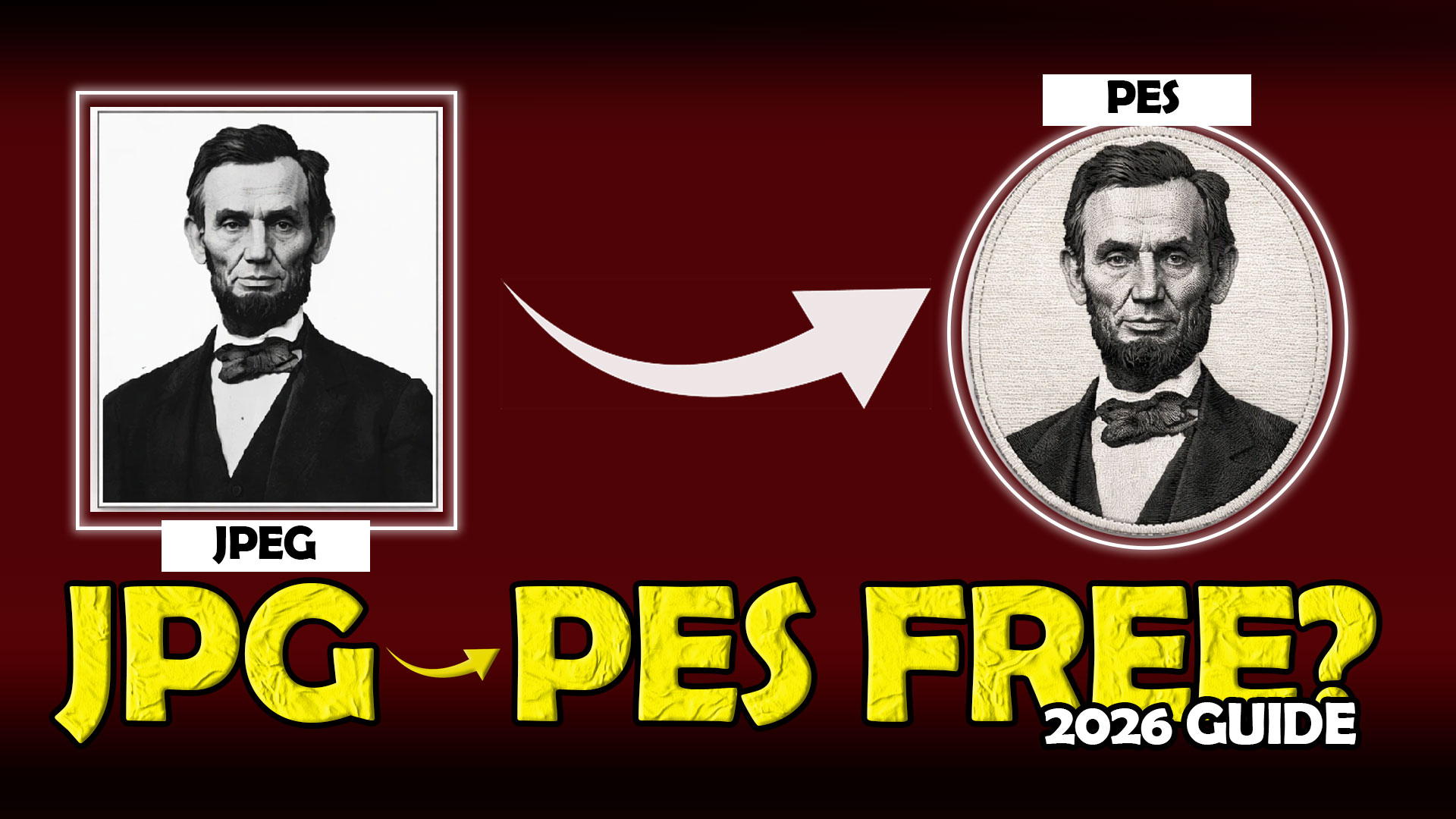
If you’re looking for a JPG to PES converter free tool, you’re not alone. Every day, embroidery beginners search for ways to turn their logo, artwork, or image into a PES file that can run on a Brother embroidery machine.
The problem is that most people think a JPG to PES converter can instantly turn any image into a perfect embroidery design. In reality, embroidery files require much more than simple image conversion.
That’s why professional embroidery businesses often rely on experienced digitizing services like SBS Digit to ensure designs stitch correctly on fabric.
Before choosing a converter, let’s look at the best options available in 2026 and what you should know before using them.
What Is a JPG to PES Converter?
A JPG to PES converter is a tool that attempts to transform a JPG image into a PES embroidery file format.
PES files contain:
-
stitch information
-
stitch direction
-
stitch density
-
embroidery machine instructions
Unlike regular image files, PES files are designed specifically for embroidery machines.
This means converting a JPG into a PES file is not as simple as changing file formats.
Why People Search for a JPG to PES Converter Free Tool
Many embroidery users want:
-
quick file conversion
-
lower costs
-
instant embroidery files
-
easy design uploads
A JPG to PES converter free tool can seem like the perfect solution.
However, understanding its limitations is important before starting production.
Best JPG to PES Converter Free Tools for Embroidery in 2026
1. Ink/Stitch
Ink/Stitch is one of the most popular free embroidery tools available.
Benefits:
-
free to use
-
supports embroidery file creation
-
suitable for beginners
Best for:
-
simple embroidery designs
-
basic logo conversion
2. Embroidermodder
Embroidermodder is another free option for embroidery file editing.
Benefits:
-
open-source software
-
supports multiple embroidery formats
-
lightweight program
Best for:
-
viewing embroidery files
-
basic editing
3. SewArt
Although not completely free, SewArt offers a trial version that many beginners use for image-to-embroidery conversion.
Benefits:
-
image tracing
-
automatic stitch generation
-
beginner-friendly interface
Best for:
-
testing embroidery concepts
4. Online JPG to PES Converter Tools
Several online converters claim to offer instant JPG to PES conversion.
Benefits:
-
no software installation
-
quick results
However:
-
quality varies greatly
-
complex designs often fail
-
stitch quality may be poor
The Biggest Problem with Free JPG to PES Converter Tools
Most free converters use automated processes.
The software doesn’t understand:
-
fabric type
-
stitch direction
-
underlay stitches
-
pull compensation
-
layering requirements
As a result:
-
stitches overlap
-
details disappear
-
thread breaks occur
-
embroidery quality drops
This becomes even more noticeable with:
-
applique logo
-
custom applique embroidery
-
3D puff embroidery
-
detailed business logos
When Free JPG to PES Conversion Works
A JPG to PES converter free tool can work for:
-
simple shapes
-
basic text
-
practice designs
-
hobby projects
If the design is small and uncomplicated, automated conversion may be enough.
When Professional Digitizing Is the Better Option
For business embroidery, professional digitizing is usually the better choice.
Especially when creating:
-
applique embroidery
-
embroidery applique
-
3D puff embroidery hats
-
company logos
-
patches
Professional digitizers manually control:
-
stitch paths
-
density
-
sequencing
-
fabric compensation
This produces cleaner embroidery and fewer production issues.
Why Many Businesses Choose SBS Digit
Many embroidery businesses start with a JPG to PES converter free tool but eventually discover its limitations.
That’s why SBS Digit focuses on professional embroidery digitizing that is optimized for real-world stitching rather than simple image conversion.
The result:
-
cleaner embroidery
-
fewer thread breaks
-
better logo quality
-
more professional results
If you’re serious about quality, this is where most professionals eventually land after trying free converters. Why not see the difference for yourself? Try a free first trial and experience professional digitizing firsthand.
Common Mistakes to Avoid
Avoid these mistakes when using a JPG to PES converter:
-
uploading low-resolution images
-
using overly detailed artwork
-
expecting perfect automatic results
-
resizing embroidery files after conversion
-
ignoring stitch density issues
These mistakes often lead to poor embroidery output.
Final Thoughts
A JPG to PES converter free tool can be useful for simple projects and learning embroidery basics.
However, if you need professional-quality embroidery for logos, patches, apparel, or branding, manual digitizing remains the most reliable option.
Understanding the difference between image conversion and true embroidery digitizing can save you time, money, and frustration.
Call to Action
Need a professional JPG to PES conversion with accurate stitching results?
Visit SBS Digit and claim your Free First Trial today.
See the difference between automated conversion and professional embroidery digitizing.