If you’re working with embroidery designs, you’ve probably used PNG files at some point. They look clean and perfect on your screen, so it feels like they should work the same way in embroidery.
But here’s the reality they don’t.
That’s why many professionals always turn PNG into EPS before starting the embroidery digitizing process. If you’re looking for expert help, you can check out our custom embroidery digitizing services in USA
The Problem with PNG Files

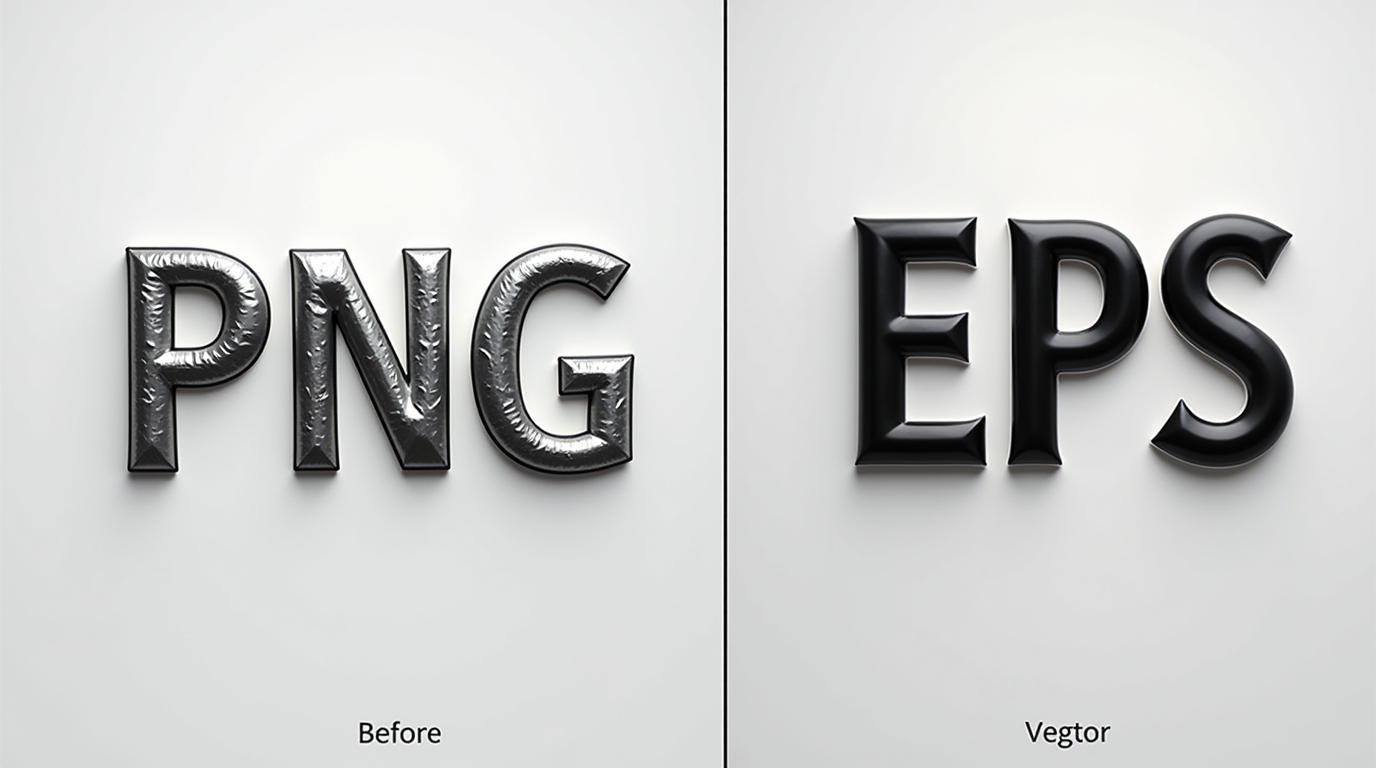
PNG files are great for digital use, but they are made of pixels. This means when you zoom in or try to use them for embroidery, the edges can become blurry or unclear.
You might not notice this on your screen, but once the design is stitched, the difference becomes obvious.
This often leads to:
-
Uneven stitching
-
Loss of small details
-
Rough or jagged edges
What Happens When You Turn PNG into EPS
When you turn PNG into EPS, you convert your design into a vector format. Unlike PNG, EPS files are based on lines and shapes instead of pixels.
This simple step makes a big difference.
With an EPS file, your design becomes:
-
Clean and sharp
-
Easy to resize without losing quality
-
More suitable for embroidery digitizing
Can You Use a PNG to EPS Converter Free?
Yes, there are many tools online if you search for a PNG to EPS converter free. These tools can quickly convert your file, and they are helpful for basic use.
But here’s something important to understand…
Free converters don’t always give perfect results.
You might still see:
-
Rough edges
-
Missing details
-
Poor vector tracing
If you need high-quality patch results, you can also explore our chain stitch patches for premium embroidery patch solutions.
Why Conversion Alone Is Not Enough
Turning PNG into EPS is just the first step. For embroidery, your design still needs to be converted into a stitch file that machines can read.
This process is called digitizing.
Even with a good EPS file, if the digitizing is not done properly, the final embroidery can still look messy or uneven.
How SBS DIGIT Makes It Easy
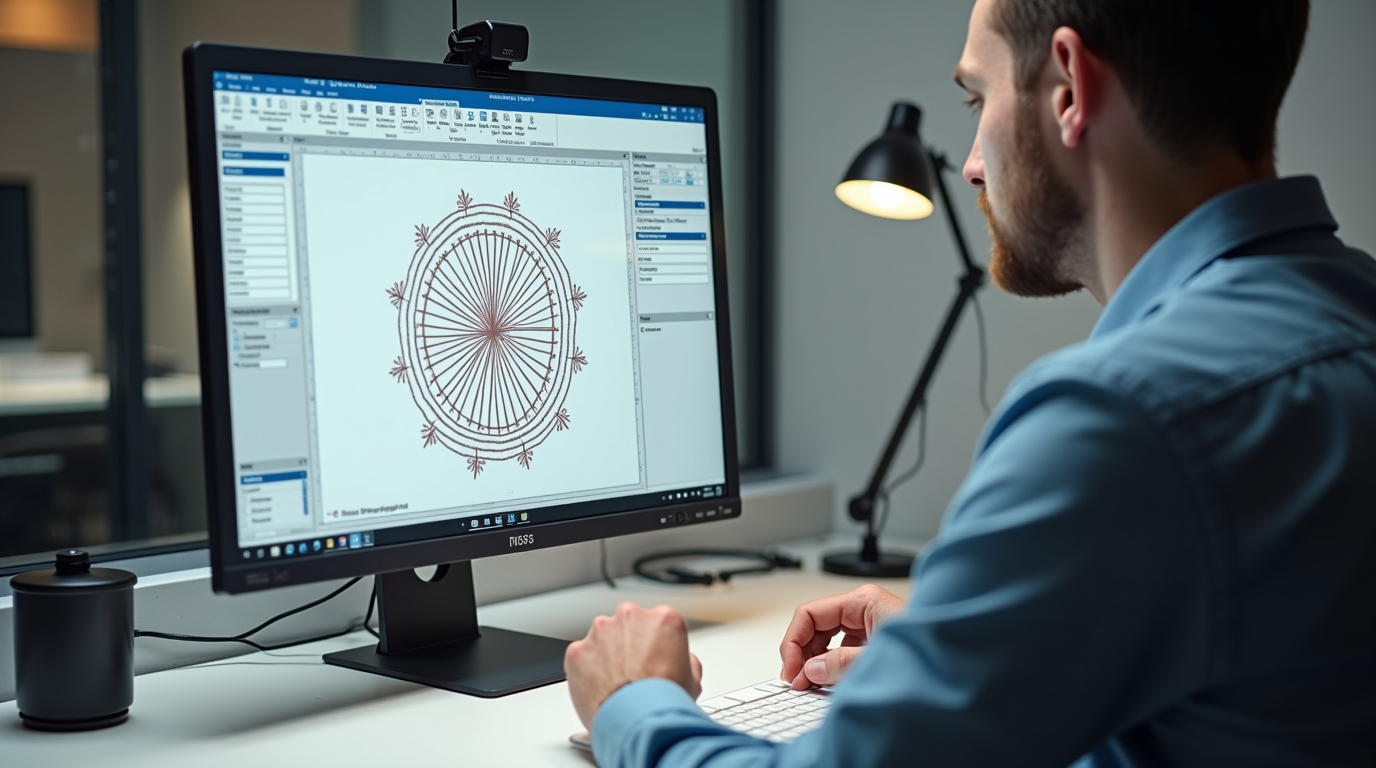
This is where SBS DIGIT helps.
Instead of just converting your file, SBS DIGIT takes your PNG design and prepares it properly for embroidery from start to finish.
Their team focuses on:
-
Clean and accurate conversion from PNG to EPS
-
Proper stitch planning
-
Smooth and professional embroidery results
Free First Trial
If you’re not sure about the quality, there’s good news.
SBS DIGIT offers a free first trial, so you can test their service and see the difference yourself.
Conclusion
If you want better embroidery results, don’t rely only on PNG files.
Take the extra step to turn PNG into EPS, and then make sure your design is properly digitized.
While a PNG to EPS converter free can help with basic conversion, professional services ensure the best results.
With SBS DIGIT, you can turn your designs into clean, sharp, and perfectly stitched embroidery.