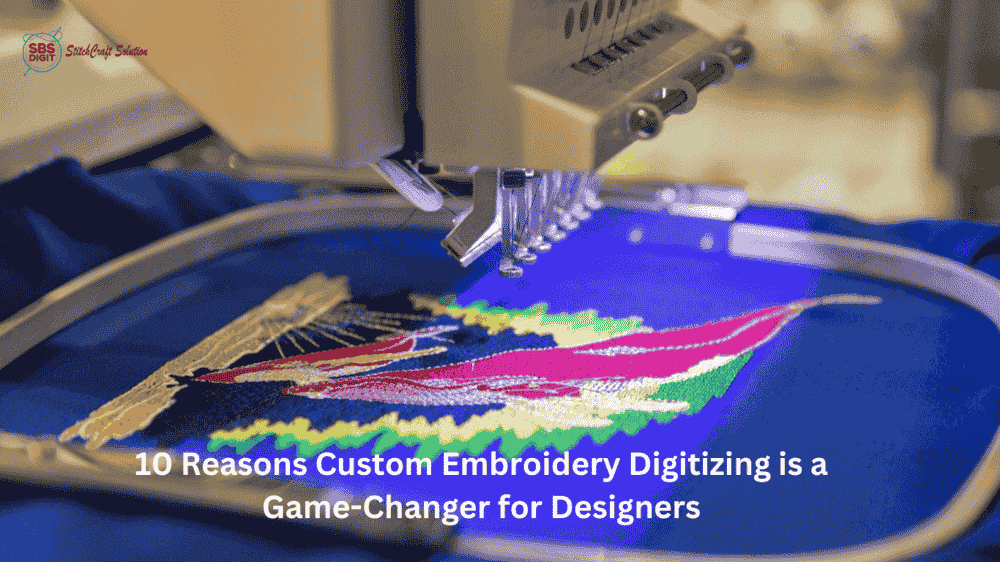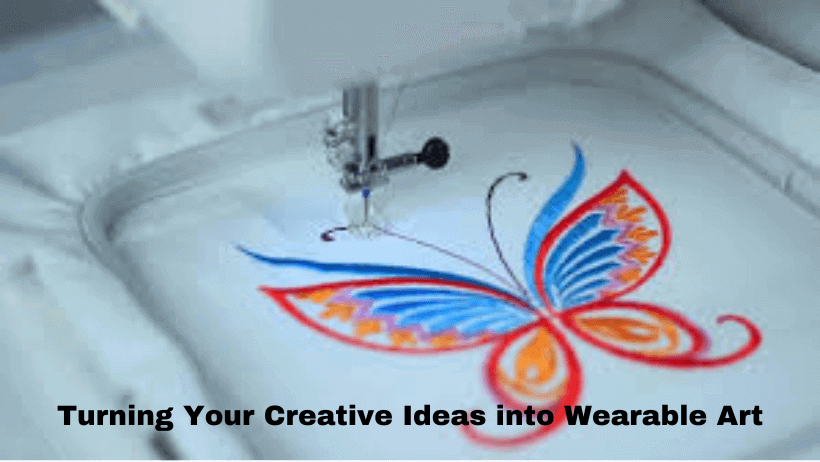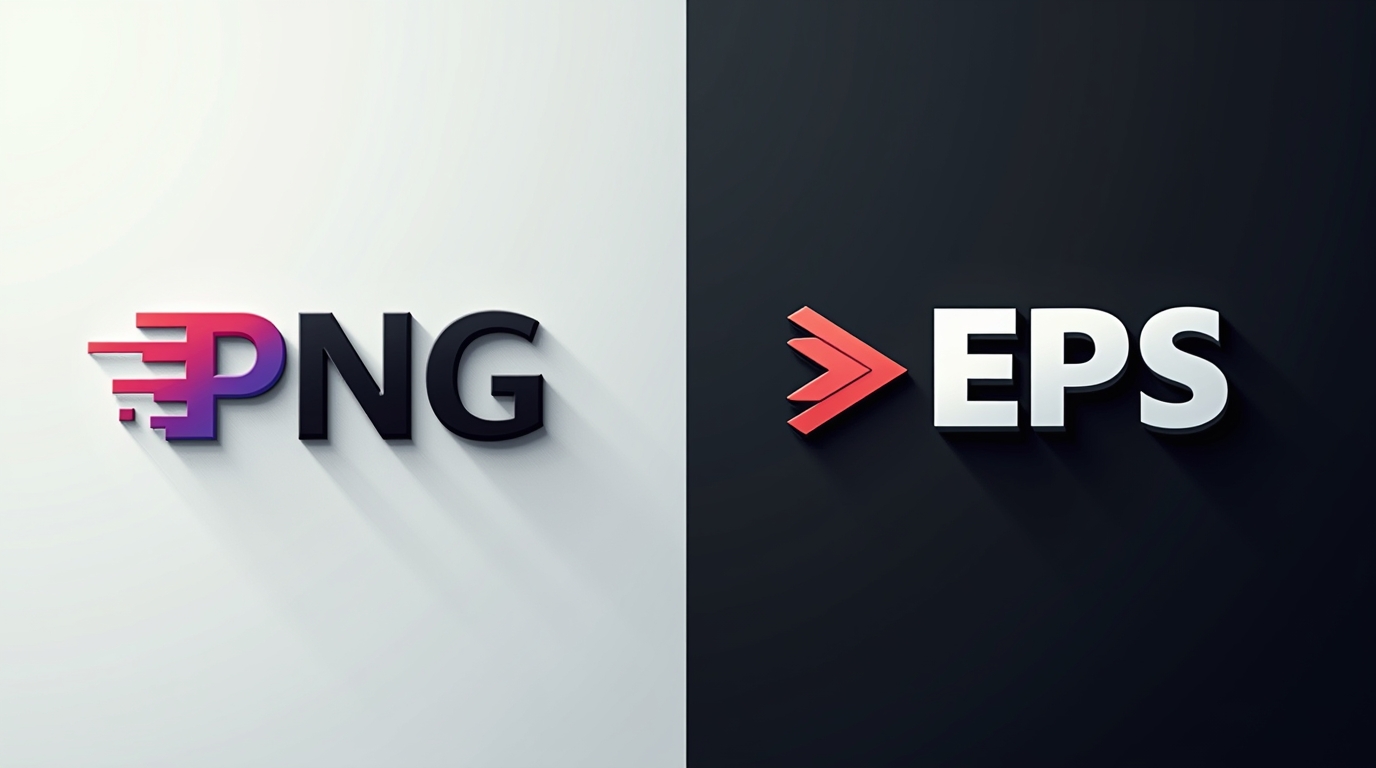
In embroidery, file quality is very important. Many people attempt to use simple image files like PNG for embroidery, but these files often don’t work well for professional results. That’s why turning a PNG file into EPS format is a crucial step.
If you are looking for a PNG to EPS converter free, this guide will explain the process and its significance for embroidery digitizing.
What Is a PNG File?
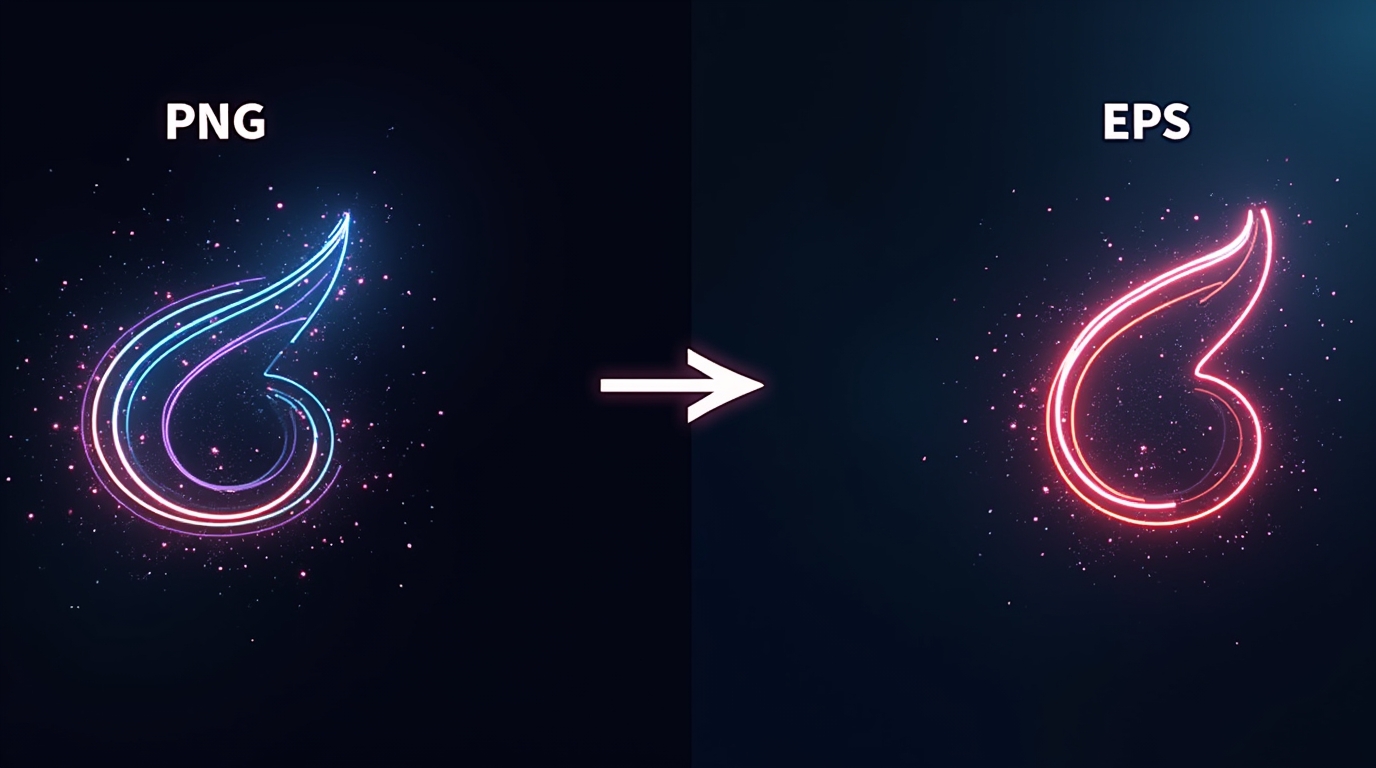
A PNG file is a raster image format. It consists of pixels, which means it can lose quality when resized. While PNG is suitable for screens and simple designs, it is not the best choice for embroidery or printing..
What Is an EPS File?
EPS (Encapsulated PostScript) is a vector file format. Unlike PNG, it is based on paths and shapes instead of pixels. This means:
- It can be resized without losing quality
- It keeps edges sharp and clean
- It is perfect for logos and embroidery designs
Why Convert PNG to EPS for Embroidery?
When you turn PNG into EPS, you prepare your design for professional use.
Here’s why it matters:
- Better design accuracy
- Clean and sharp edges
- Easier conversion into embroidery files
- Improved final stitching quality
Without converting to EPS, your embroidery design may look blurry, uneven, or distorted.
Using a PNG to EPS Converter Free
There are many tools available online if you search for a PNG to EPS converter free. These tools can quickly convert your file, but they often have limitations like:
- Poor vector tracing
- Loss of small details
- Rough edges
Free tools are good for basic conversion, but they are not always reliable for embroidery-quality designs.
The Real Solution: Professional Digitizing
Converting PNG to EPS is just the first step. For embroidery, you need more than just a vector file — you need proper digitizing.
This is where SBS DIGIT comes in.
SBS DIGIT helps businesses and designers turn their PNG logos into high-quality, machine-ready embroidery files. Instead of just converting formats, their team ensures:
- Clean and accurate design conversion
- Proper stitch planning
- Smooth and professional embroidery results
Why Choose SBS DIGIT?
SBS DIGIT provides complete solutions for embroidery digitizing, including:
- Converting PNG to EPS properly
- Creating high-quality embroidery files
- Optimizing designs for all fabrics
- Ensuring clean stitching and sharp results
They understand both design and embroidery machines, which helps avoid common mistakes.
Free First Trial
If you want to test the quality, SBS DIGIT offers a free first trial.
This allows you to see how your PNG design is transformed into a professional embroidery file before committing to regular work.
Conclusion
If you want high-quality embroidery, simply using a PNG file is not enough. You need to convert PNG to EPS and then apply proper digitizing.
While a PNG to EPS converter free can help with basic conversion, professional services ensure the best results.
With SBS DIGIT, you can turn your designs into clean, sharp, and perfectly stitched embroidery.
In embroidery, the right file format and digitizing make all the difference.
External source: https://follow.it/turn-png-into-eps-why-it-matters-for-embroidery-digitizing?leanpub