If you’re working in embroidery or design, you’ve probably searched for ways to turn PNG into EPS or looked for a PNG to EPS converter free online. It seems like a quick and easy solution but is it really enough for professional results?
Let’s break it down and understand which option is actually better for your business.
Why People Try to Turn PNG into EPS
PNG files are everywhere. They’re easy to use, look good on screens, and are perfect for sharing designs.
But when it comes to embroidery, PNG files have a major limitation — they are pixel-based (raster) images.
That means:
-
They lose quality when resized
-
Edges can become blurry
-
Small details may disappear
This is why many people try to turn PNG into EPS, because EPS files are vector-based and much better for professional use.
What Is a PNG to EPS Converter Free Tool?
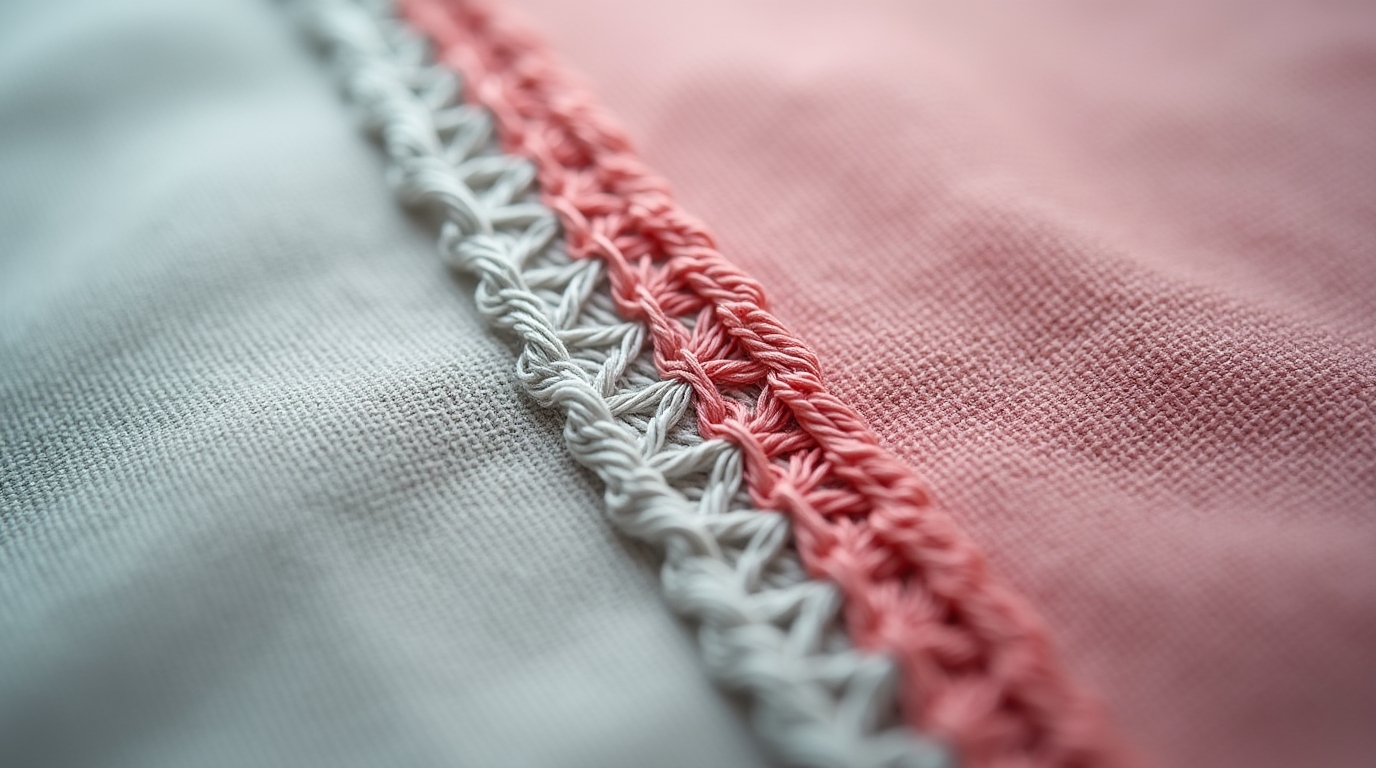
A PNG to EPS converter free tool is an online or software-based solution that automatically converts your image into a vector format.
These tools are popular because they are:
-
Fast
-
Easy to use
-
Free of cost
You simply upload your PNG file and download an EPS version within seconds.
Sounds perfect, right? Not exactly.
The Problem with Free PNG to EPS Converters
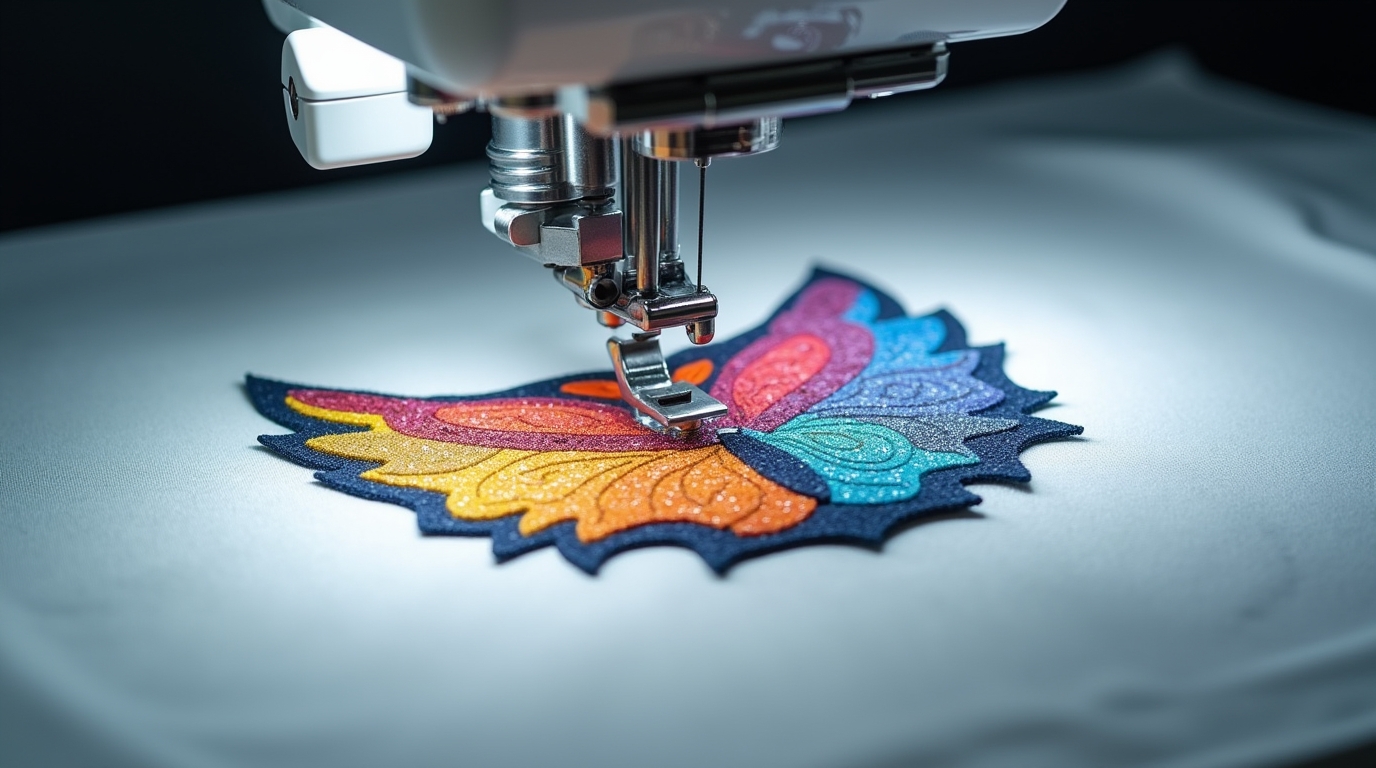
While free tools are convenient, they often come with serious limitations:
1. Poor Vector Tracing
Most converters use automatic tracing, which can result in:
-
Rough edges
-
Broken lines
-
Inaccurate shapes
2. Loss of Detail
Fine details in logos or artwork may get lost during conversion.
3. Not Optimized for Embroidery
Even after you turn PNG into EPS, the file is still not ready for embroidery machines.
Embroidery requires:
-
Stitch direction
-
Stitch density
-
Underlay settings
Free tools don’t handle any of this.
Why Professional Digitizing Is Better
This is where professional digitizing makes a huge difference.
Instead of just converting formats, expert digitizers rebuild your design specifically for embroidery.
What Professional Digitizing Does:
-
Converts PNG to EPS properly (clean vector conversion)
-
Plans stitch paths and directions
-
Controls stitch density for smooth results
-
Ensures the design works on different fabrics
Real Difference in Results
Using PNG to EPS Converter Free:
-
Basic conversion
-
Unclean edges
-
Not embroidery-ready
-
Risk of poor stitching
Using Professional Digitizing:
-
Clean, sharp design
-
Machine-ready files
-
Smooth stitching
-
High-quality final output
When Should You Use Free Tools?
A PNG to EPS converter free tool can be useful if:
-
You need a quick preview
-
Your design is very simple
-
You are not doing professional embroidery
But for business, branding, or client work — it’s not reliable.
Best Approach: Combine Conversion + Digitizing
The smartest workflow is:
-
Turn PNG into EPS (properly)
-
Apply professional embroidery digitizing
This ensures:
-
Clean artwork
-
Accurate stitching
-
Professional results
How SBS DIGIT Helps You Get Better Results
Instead of relying only on free tools, SBS DIGIT provides a complete solution.
They don’t just convert files — they prepare designs for real embroidery production.
With SBS DIGIT, you get:
-
Accurate PNG to EPS conversion
-
High-quality embroidery digitizing
-
Smooth stitch flow
-
Clean and detailed designs
Free First Trial
If you’re unsure which option is better, you can test it yourself.
SBS DIGIT offers a free first trial, so you can compare:
-
Free converter results
vs
Conclusion
Using a PNG to EPS converter free might seem like the easiest way to turn PNG into EPS, but it’s not always the best choice for embroidery.
If you want clean, sharp, and professional results, digitizing is essential.
Because in embroidery, it’s not just about the file format —
it’s about how the design is prepared for stitching.